Wiggly notebooks, zero friction#
"A collection of creative AnyWidgets for Python notebook environments."
These docs are special#
The documentation for wigglystuff is designed for humans (via hosted marimo notebooks) and robots (via markdown pages to quickly paste into prompts). The reasoning behind this is explained in more detail in this YT video. Follow the links in each example below to find the resources that you're looking for.
Install wigglystuff#
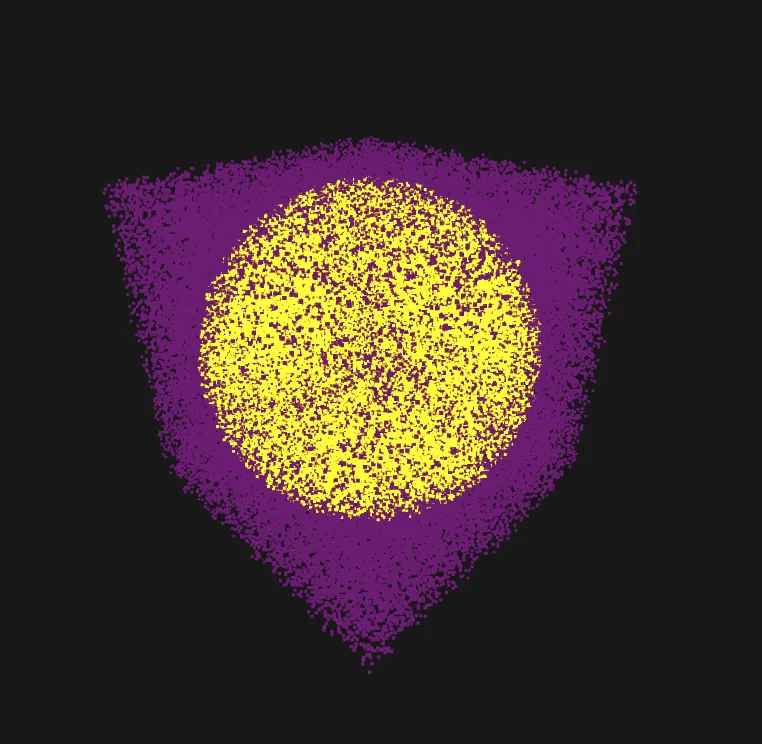
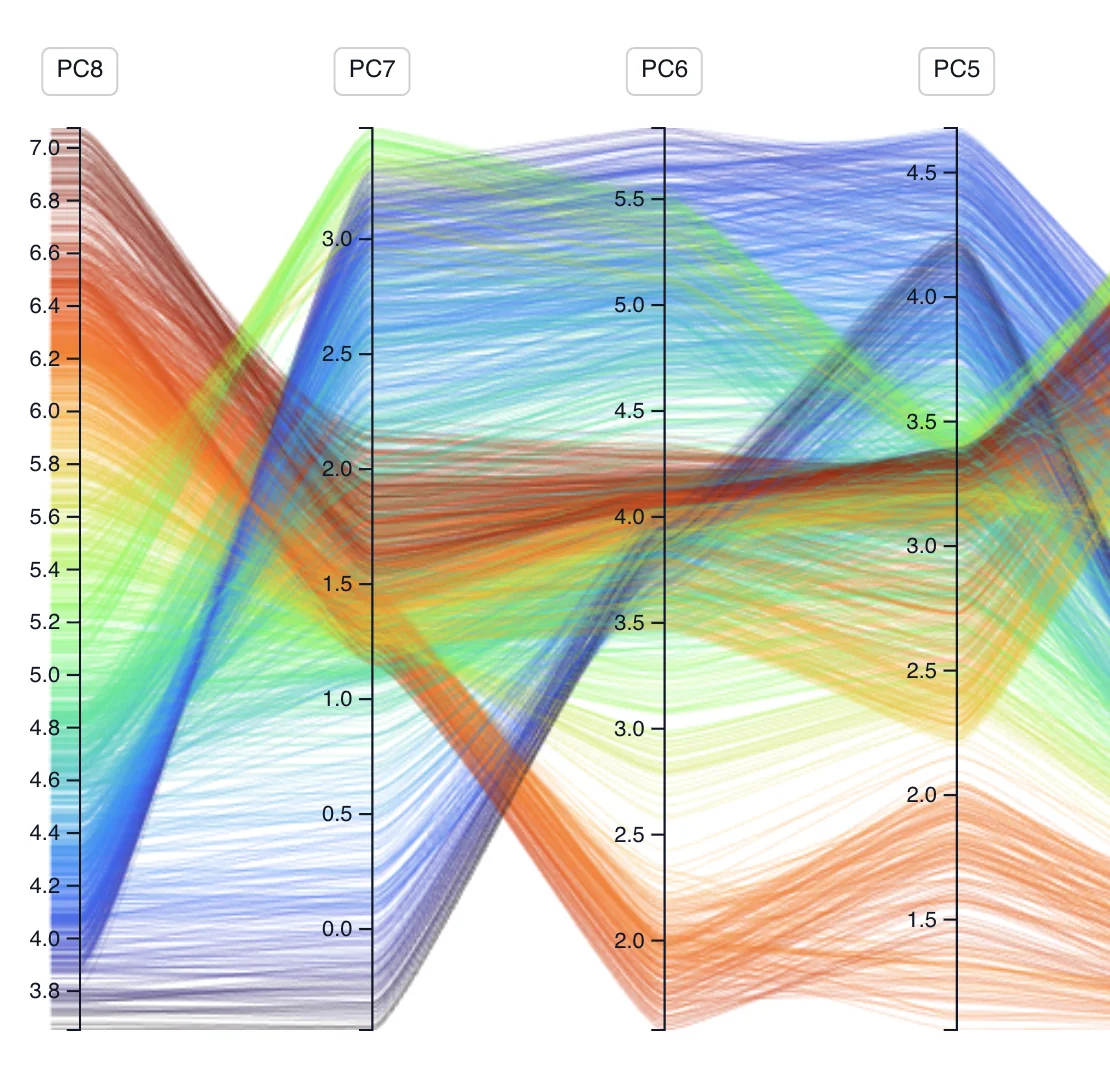
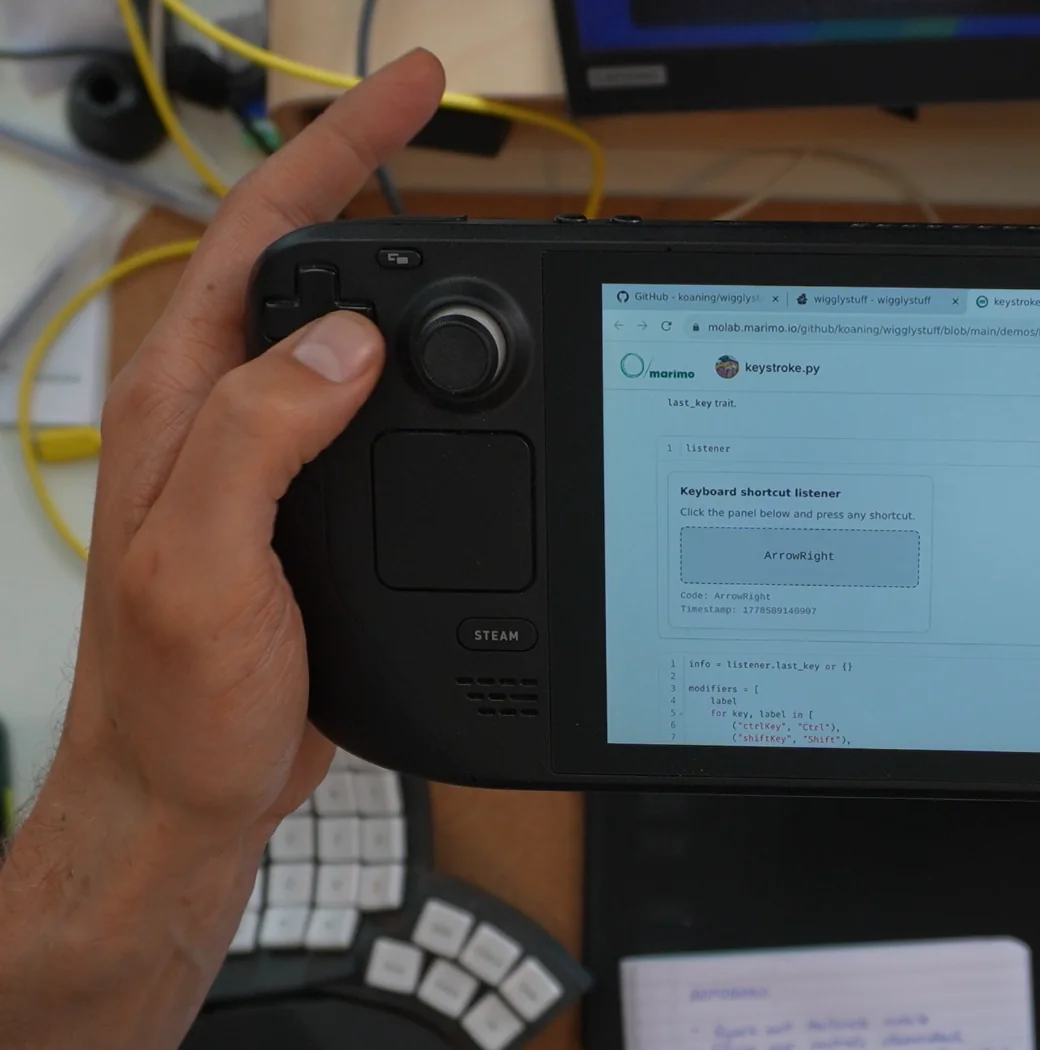
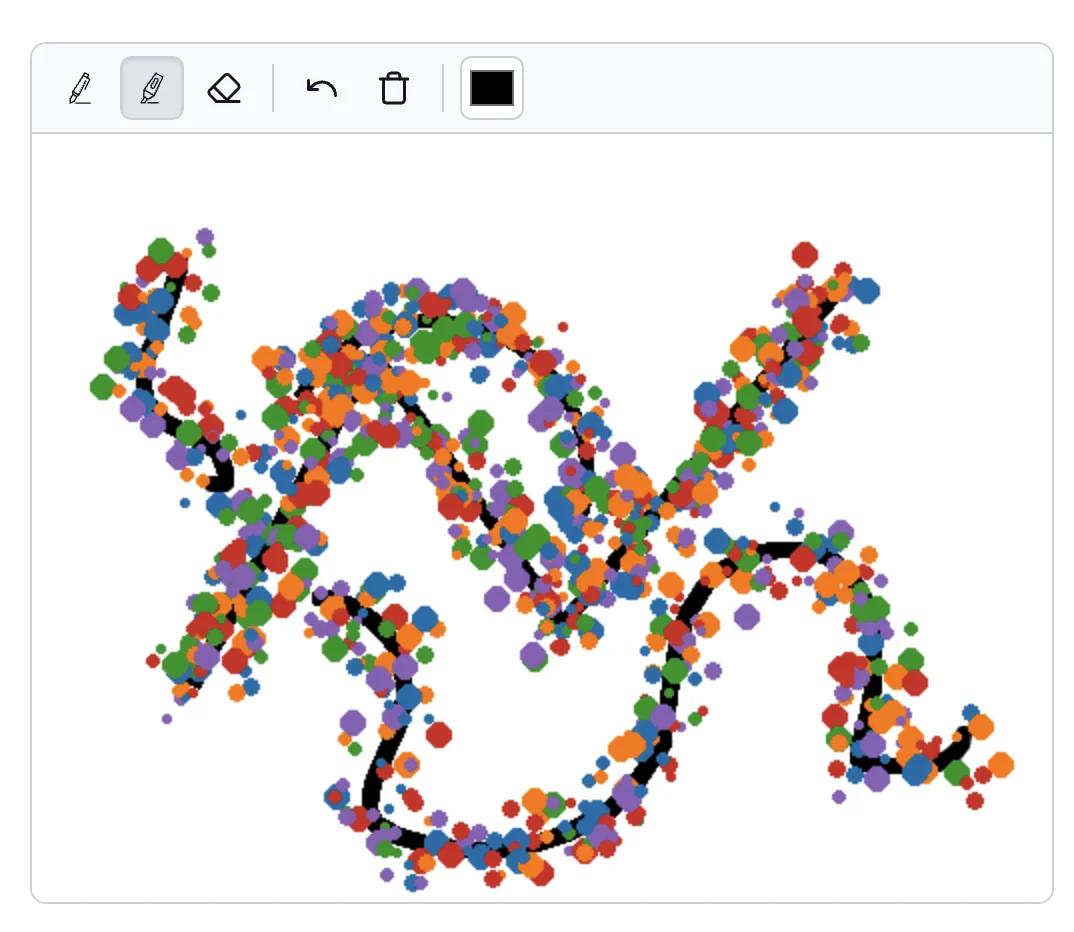
What you can build#
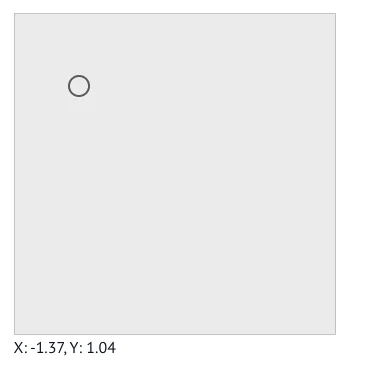
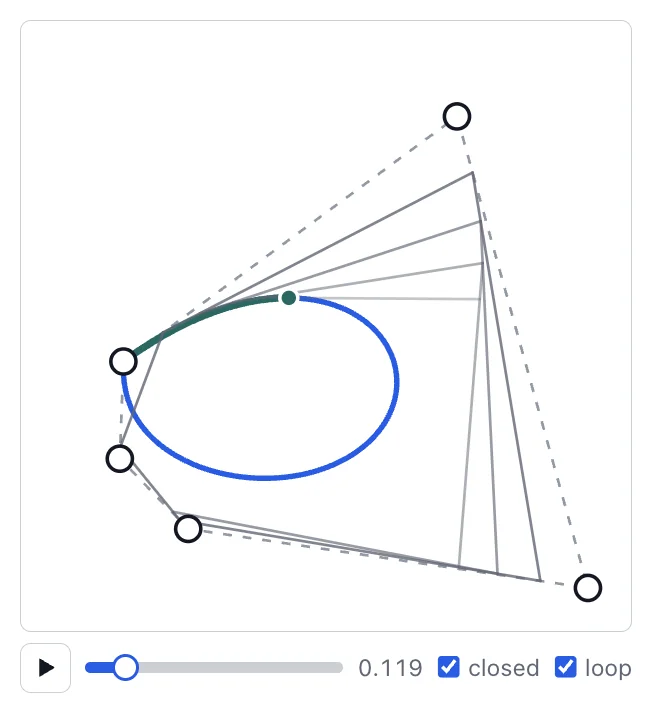
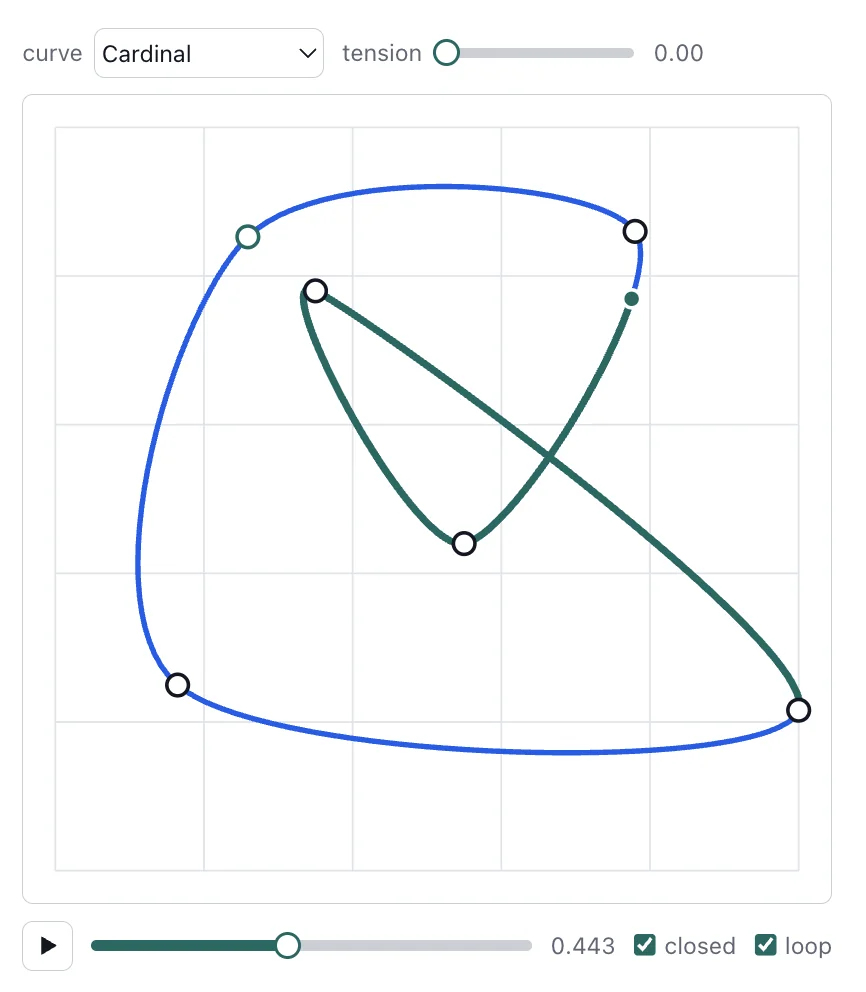
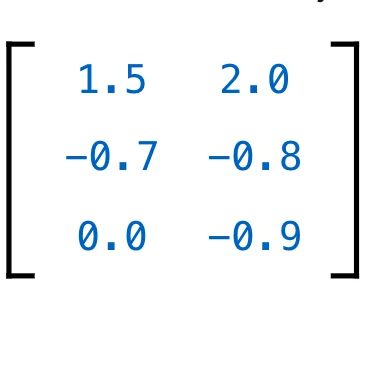
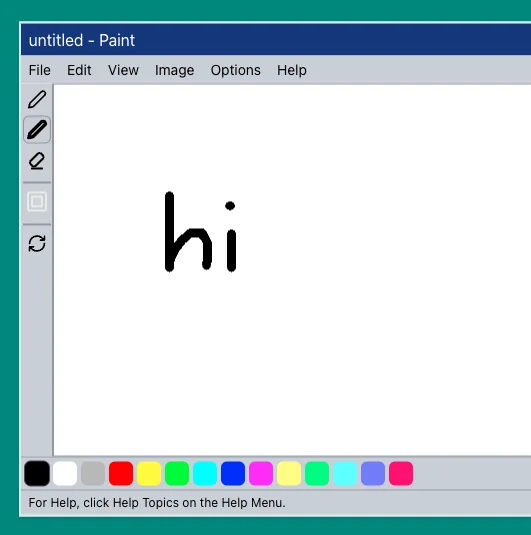
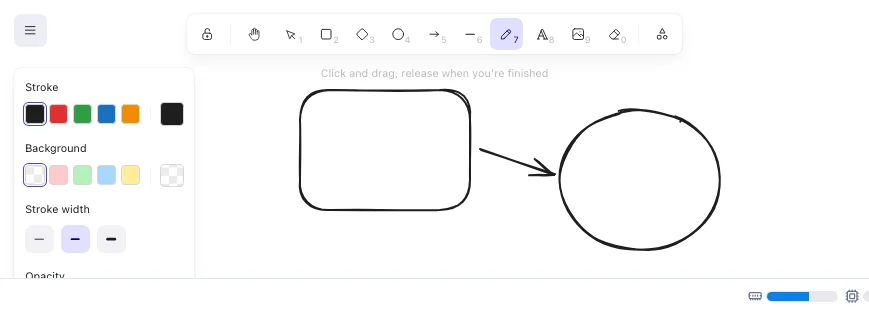
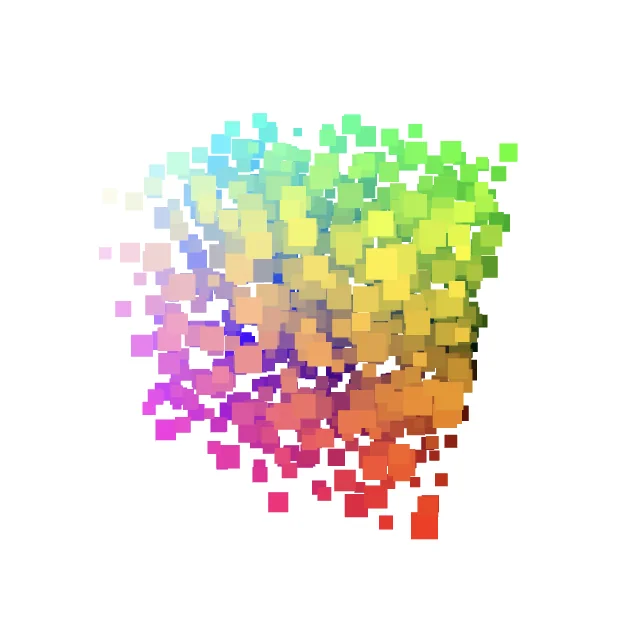
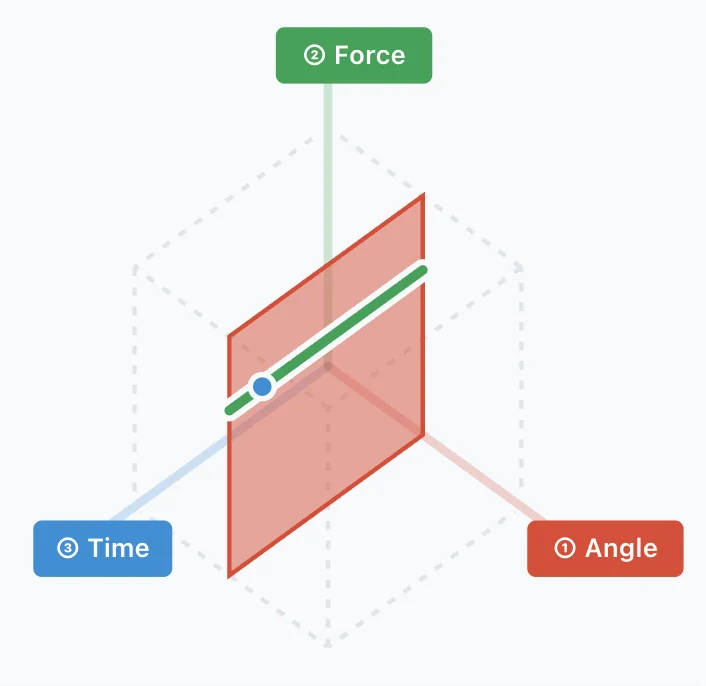
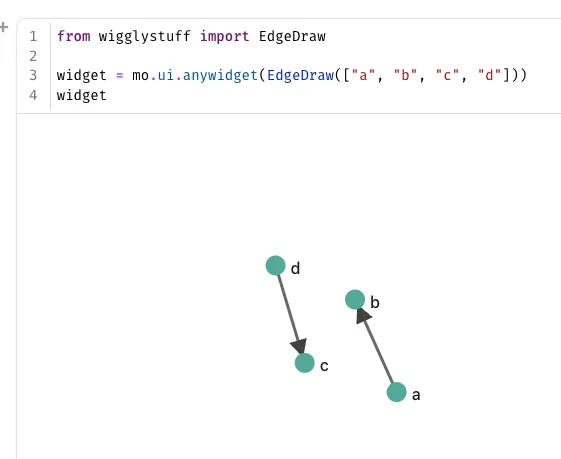
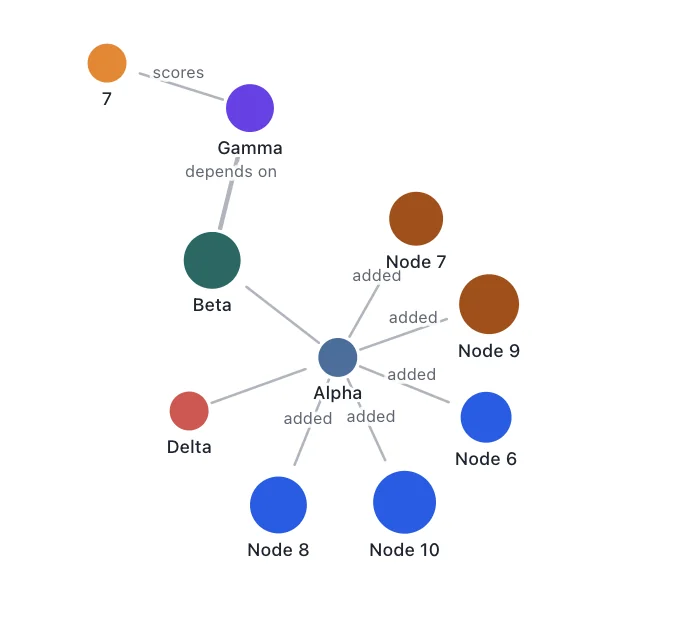
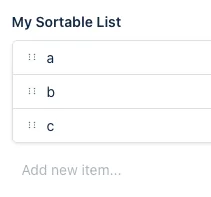
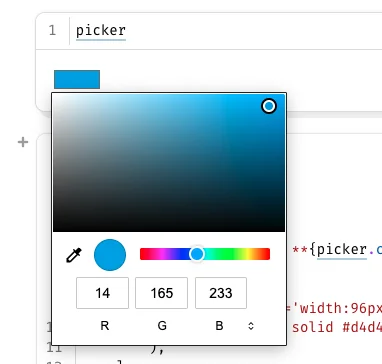
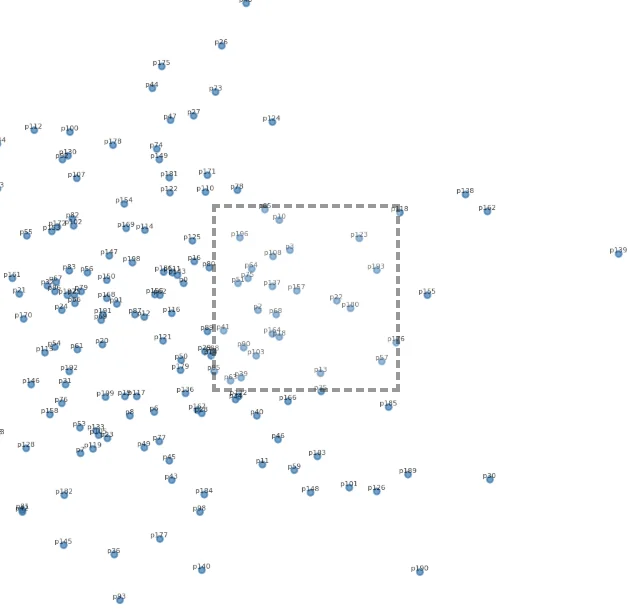
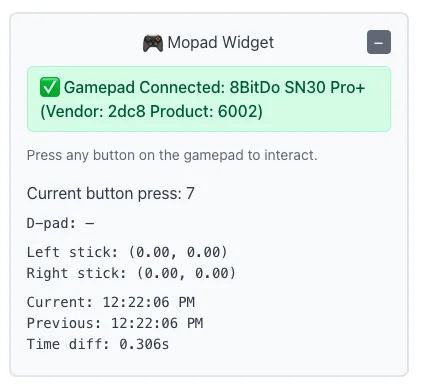
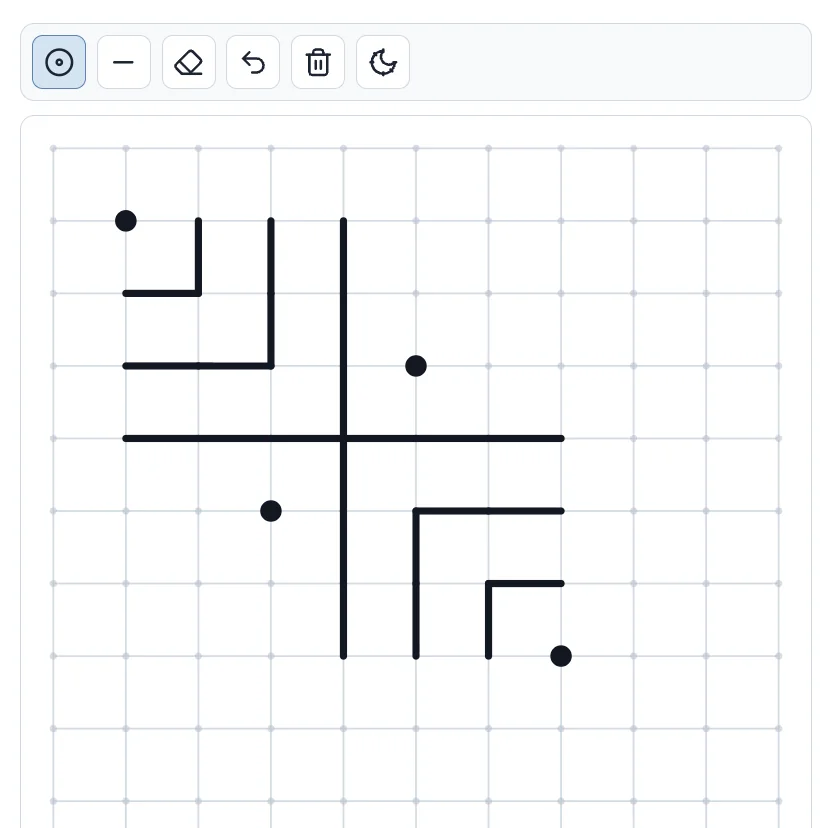
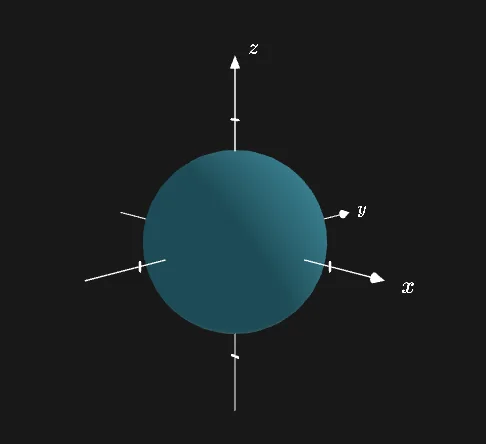
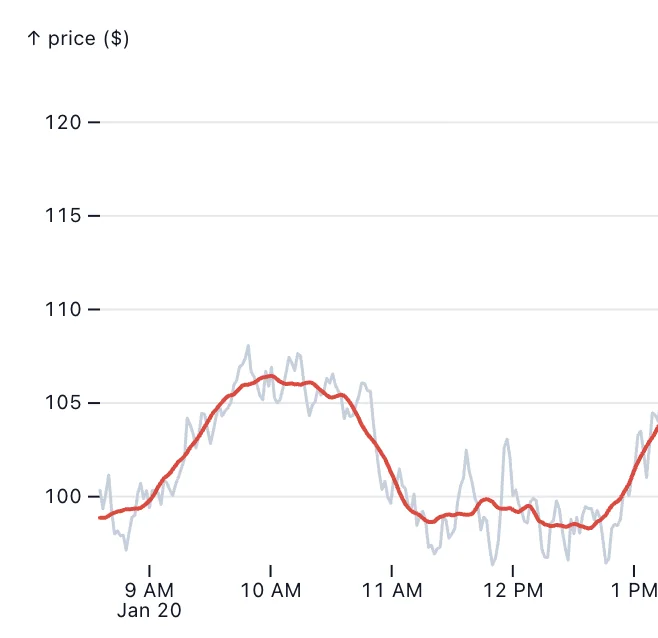
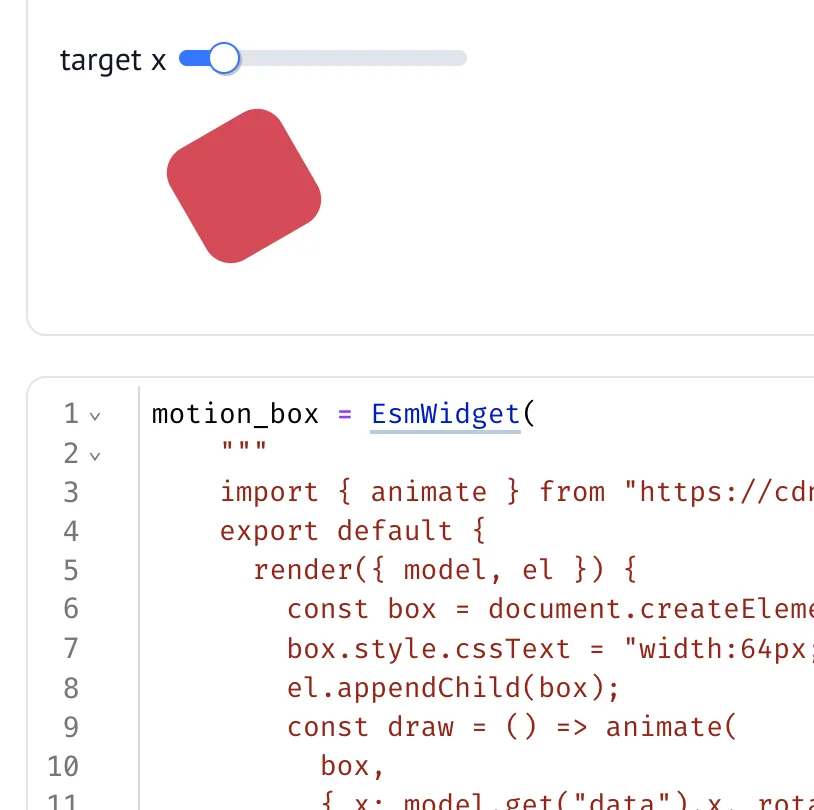
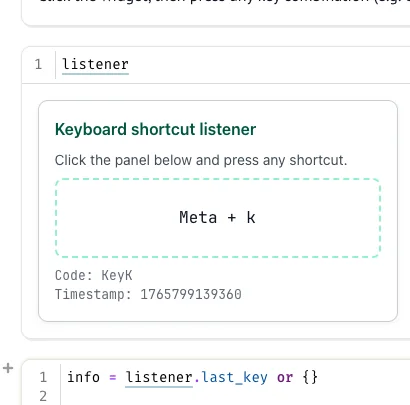
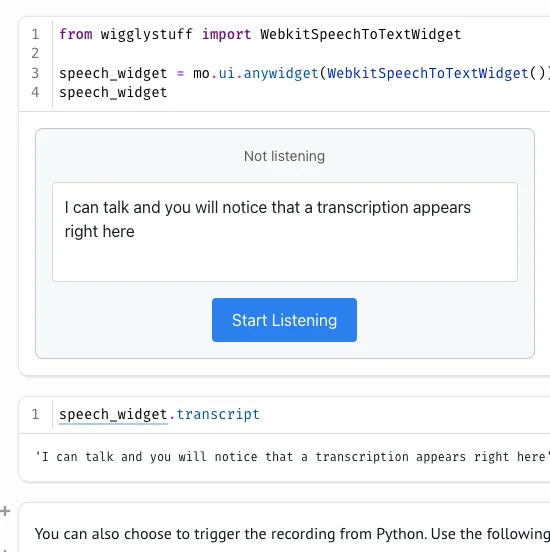
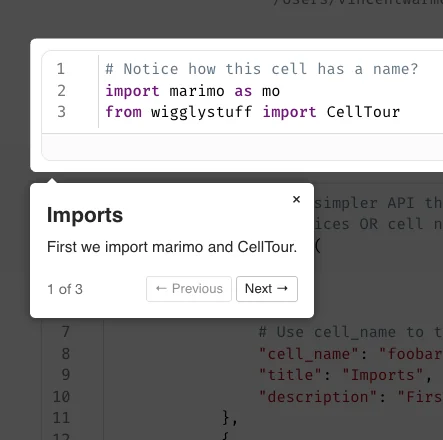
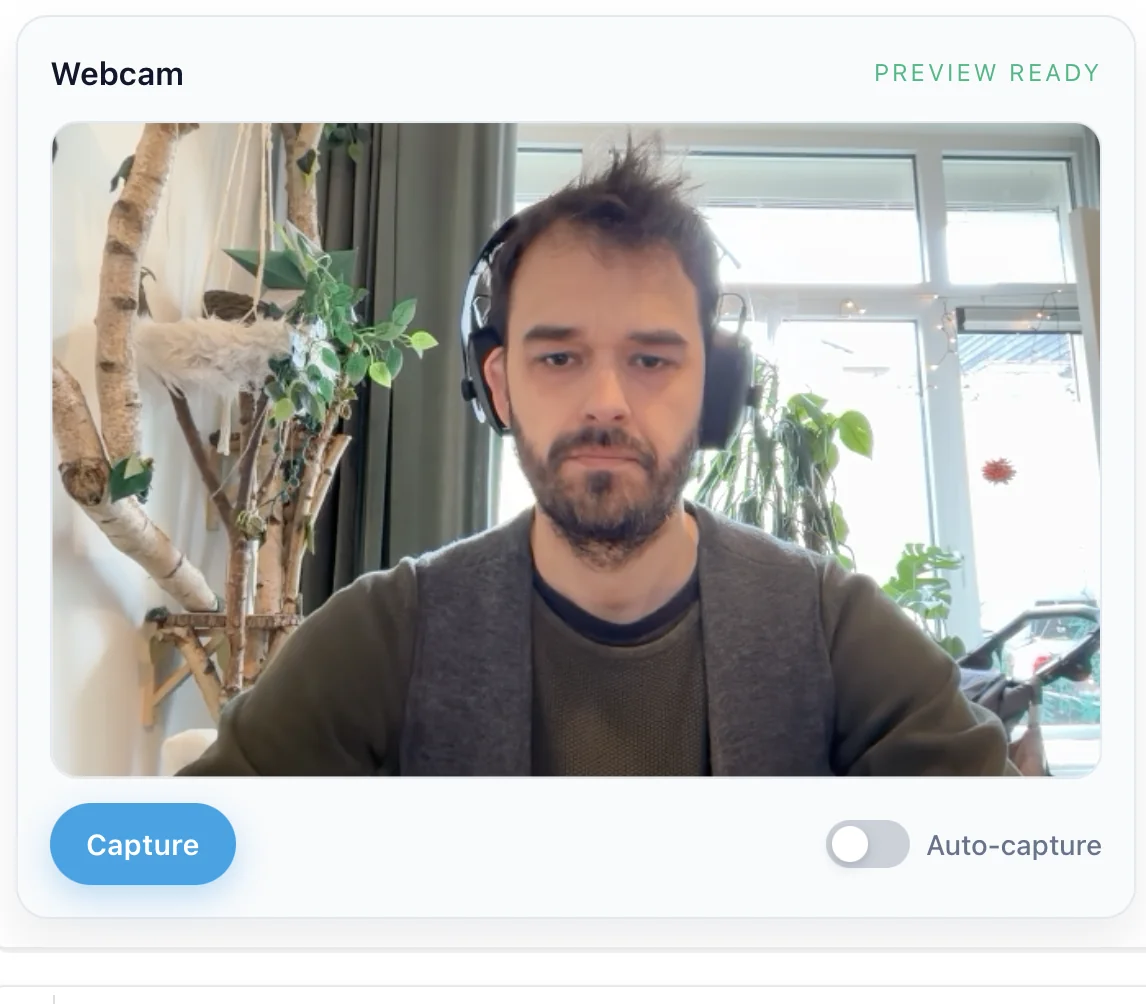
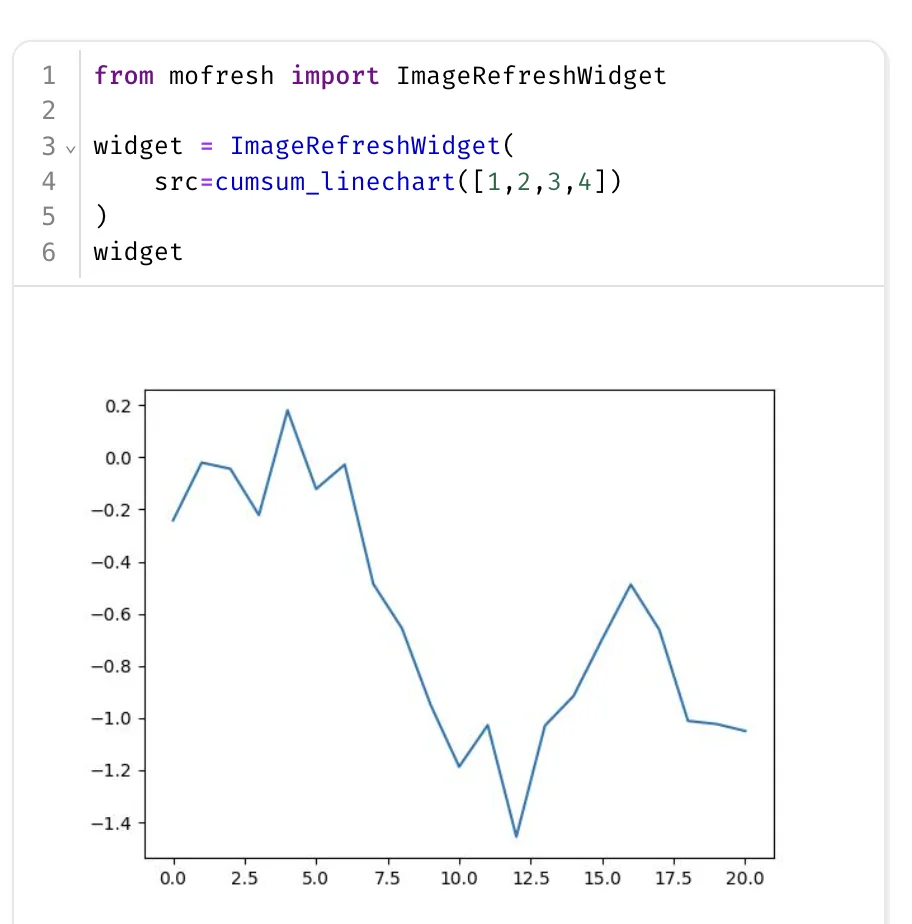
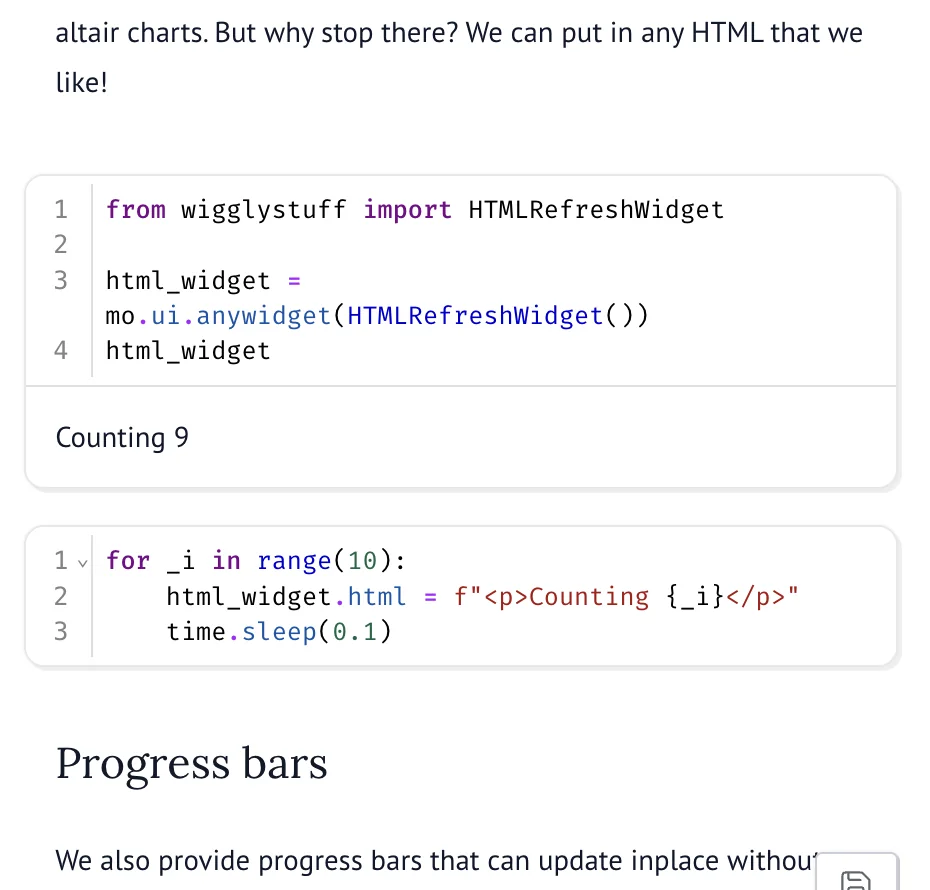
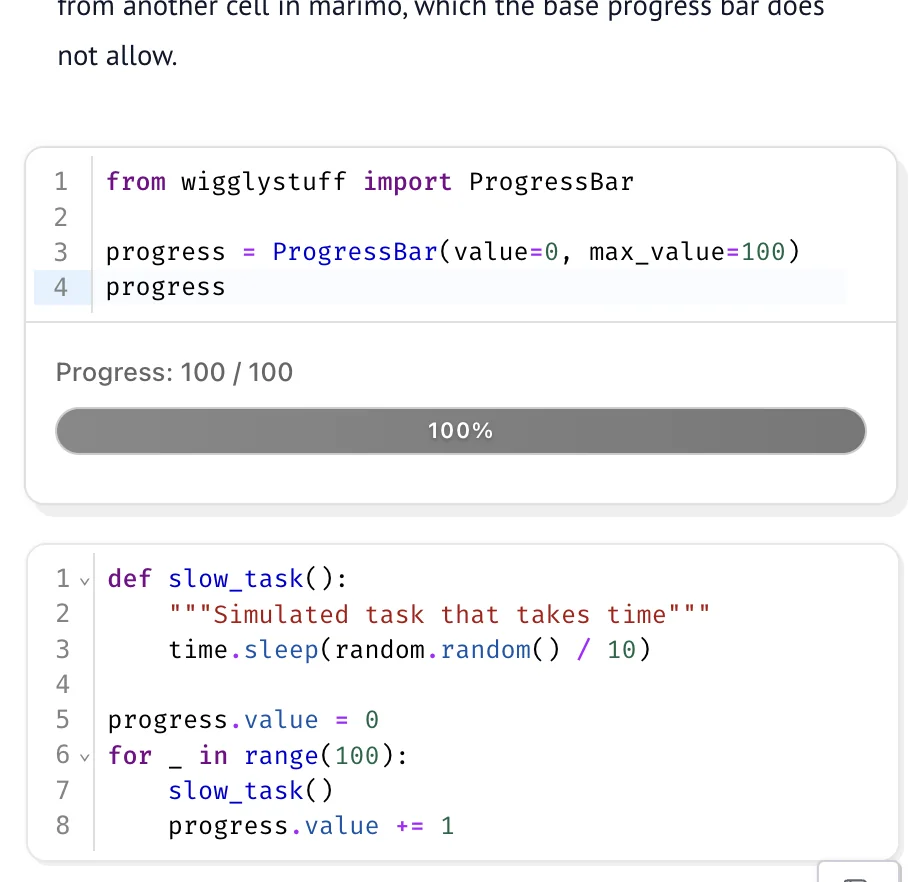
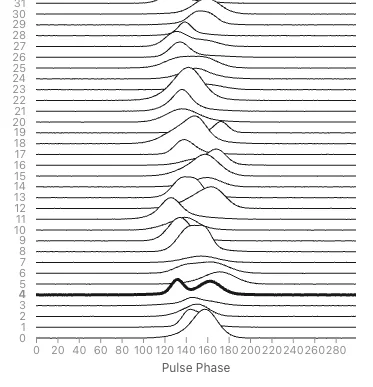
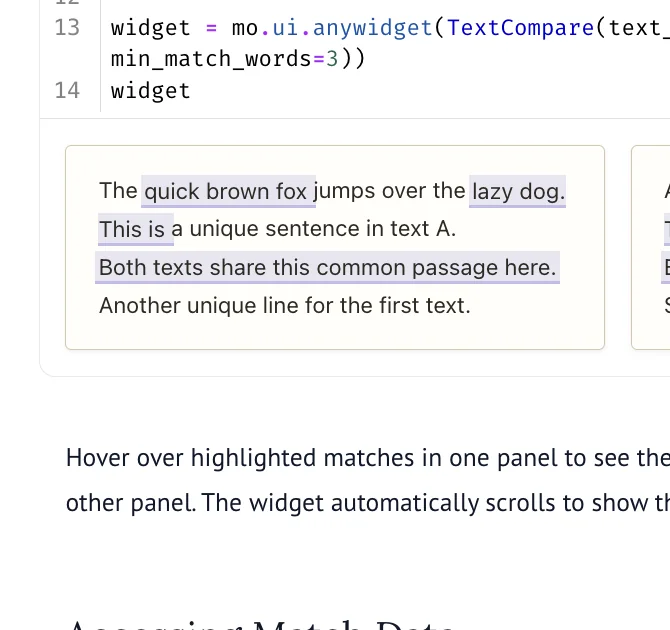
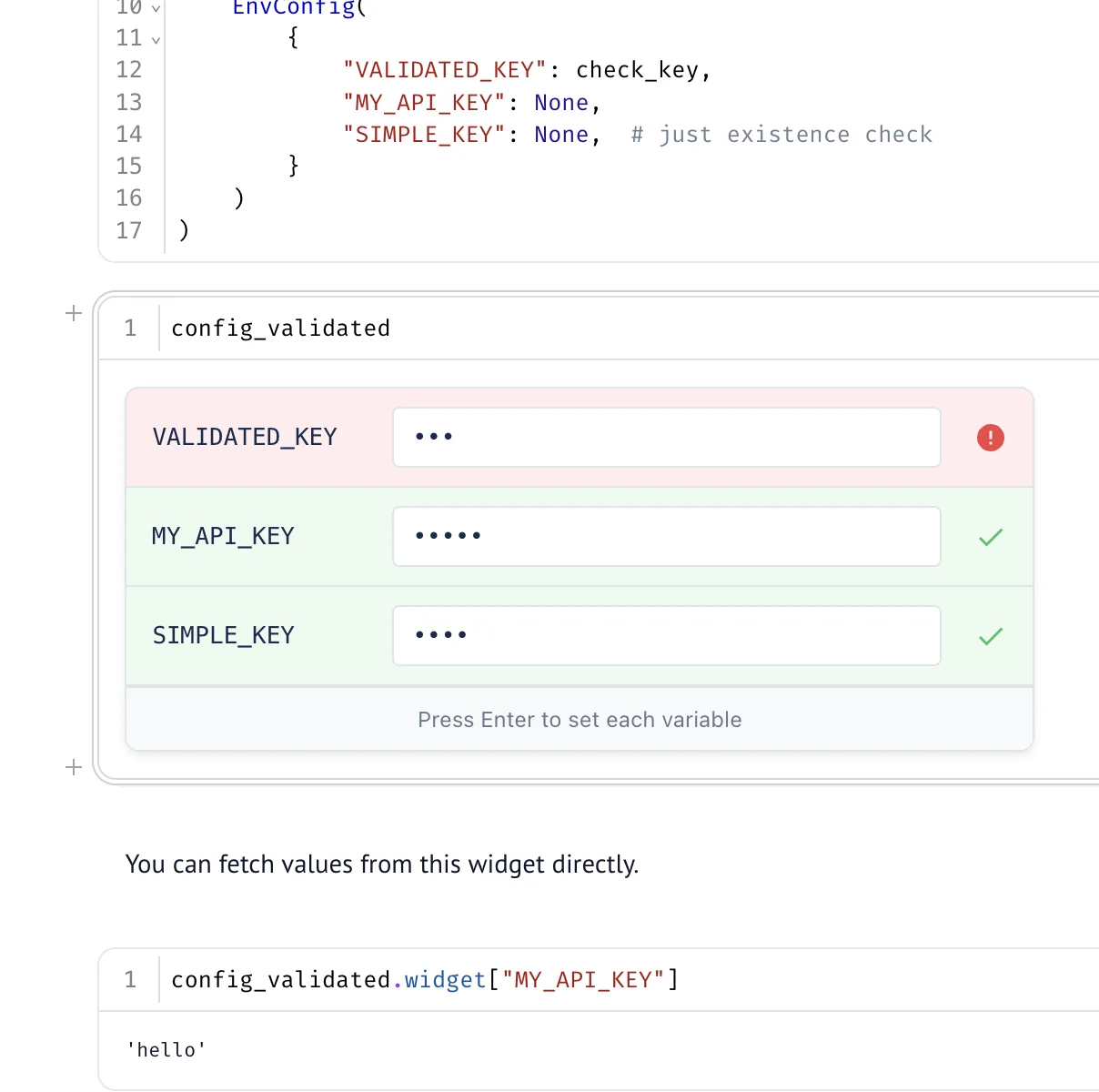
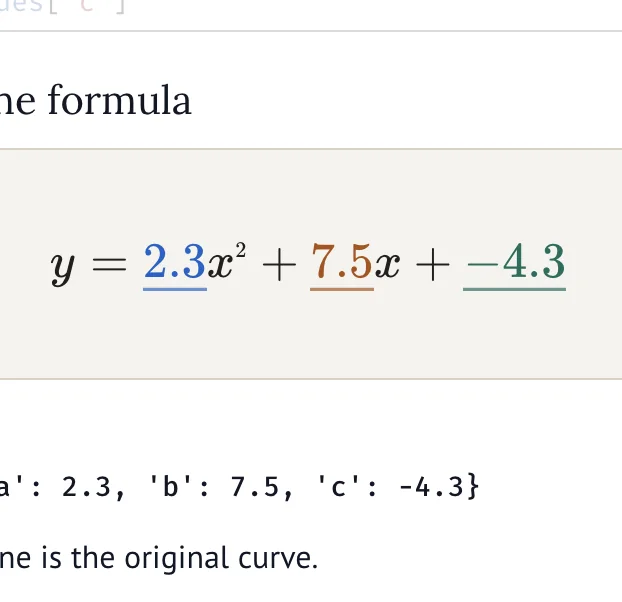
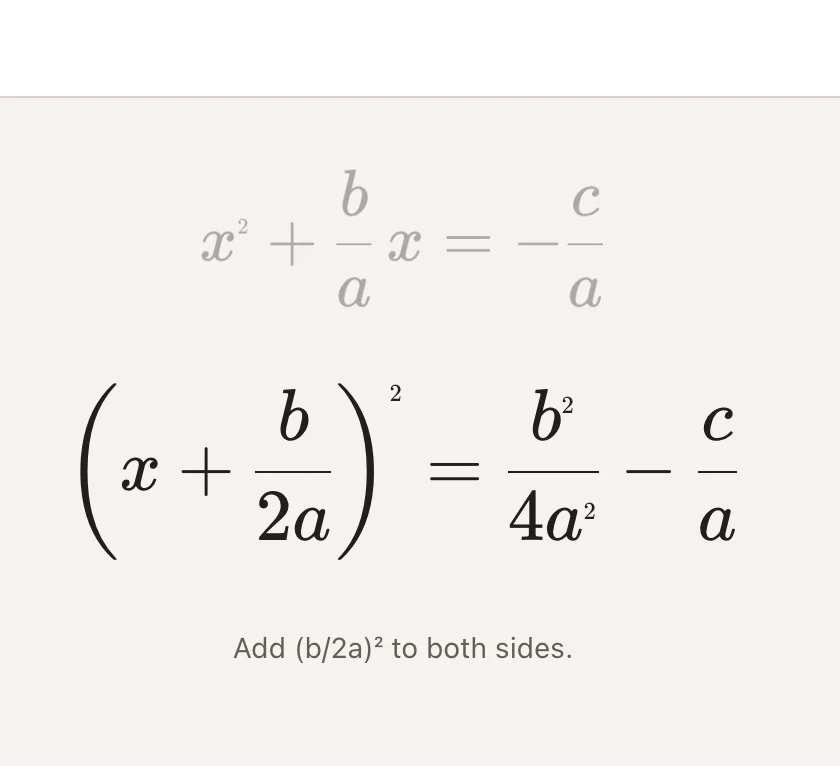
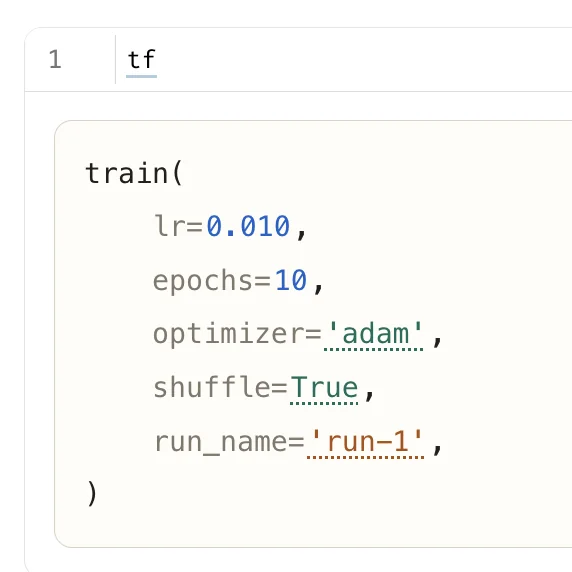
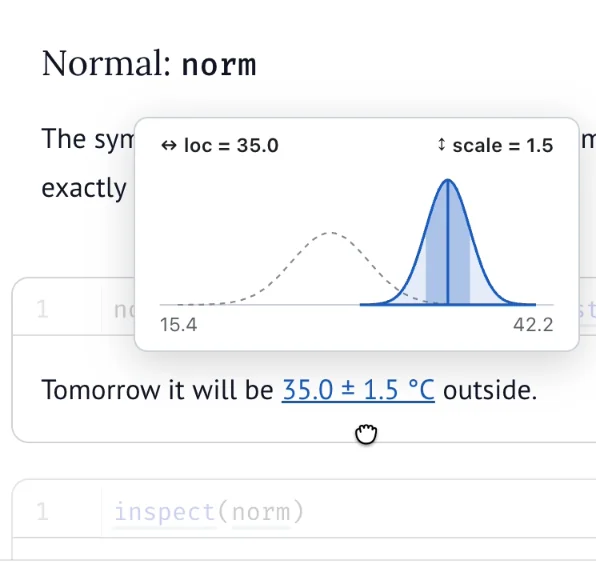
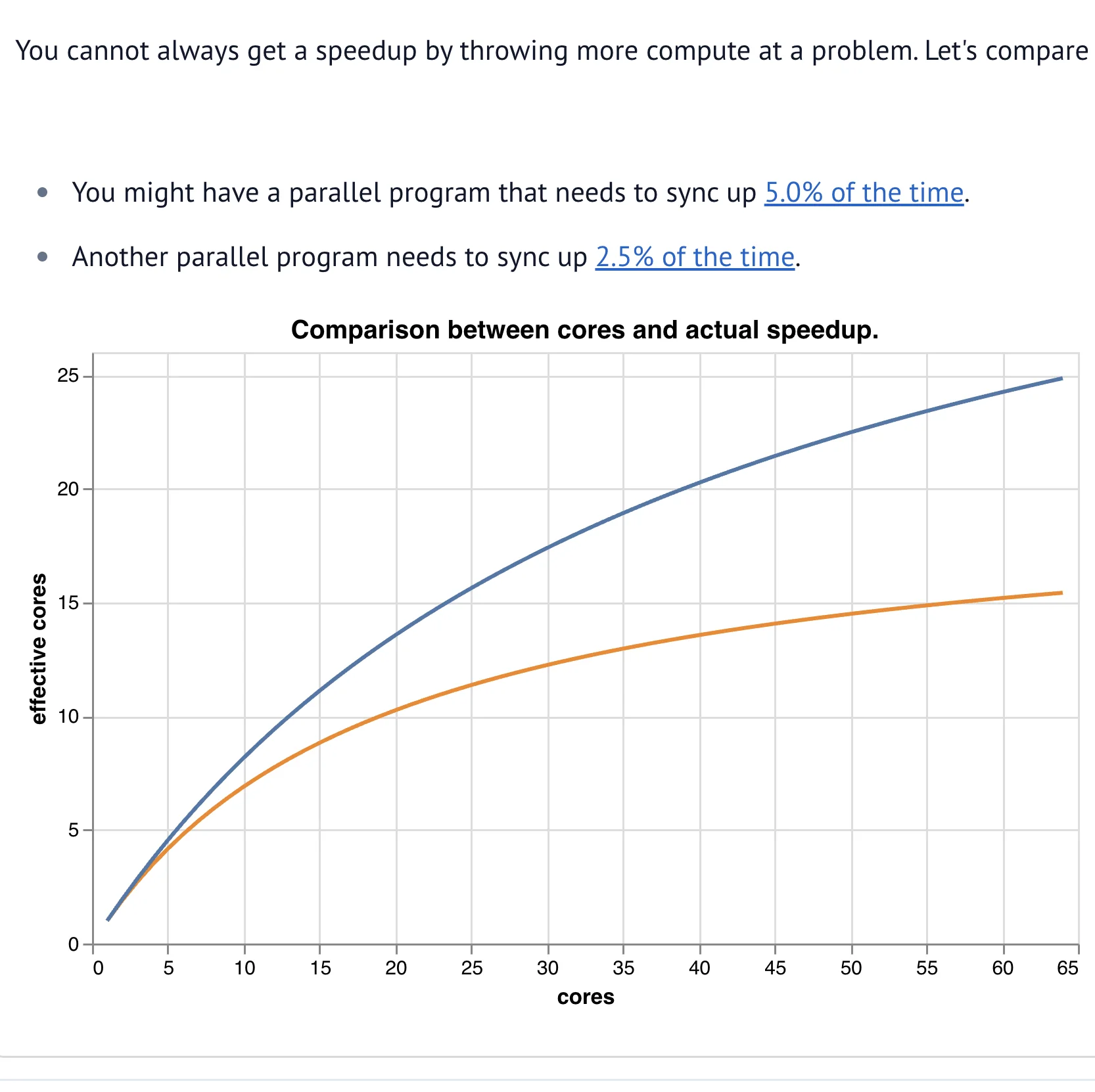
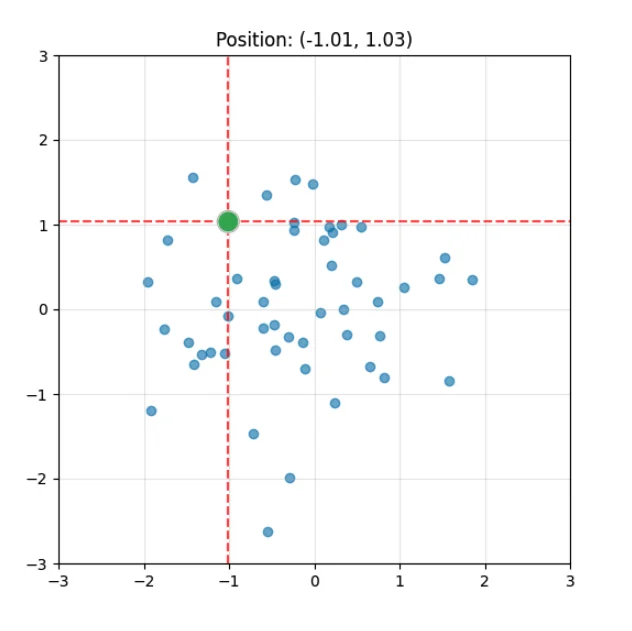
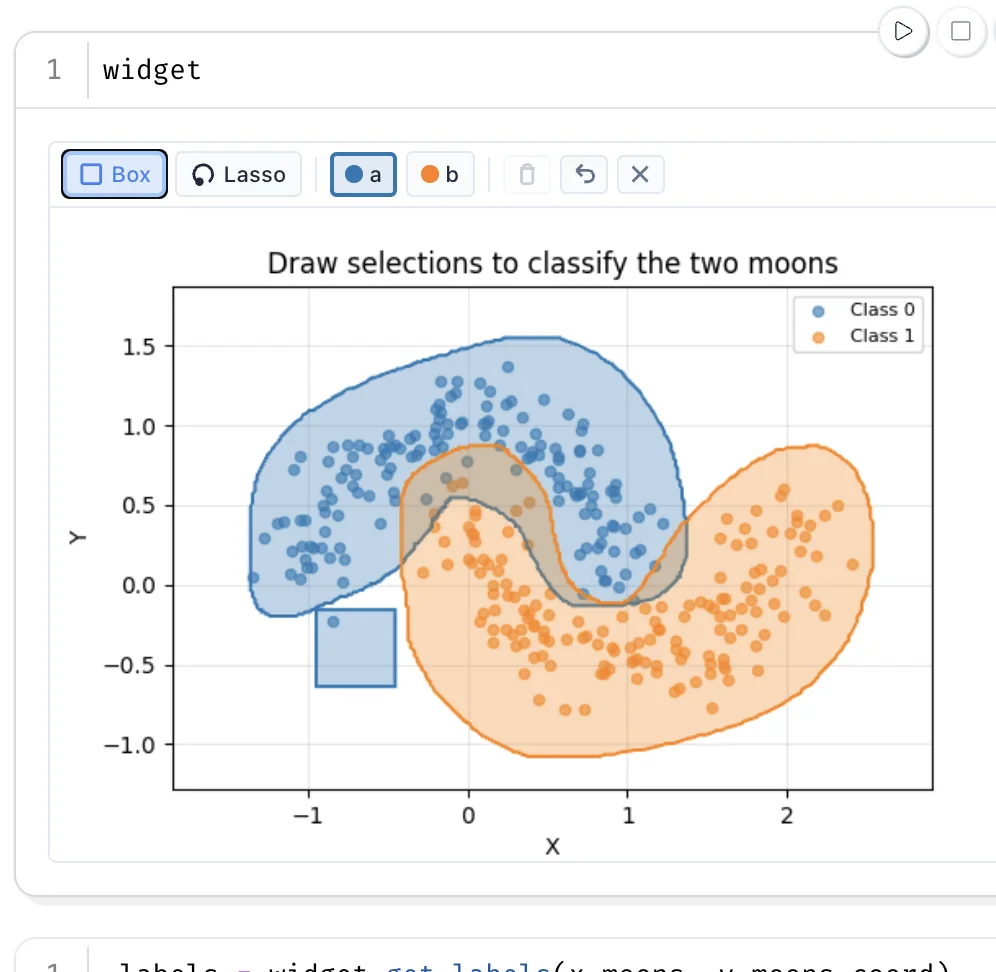
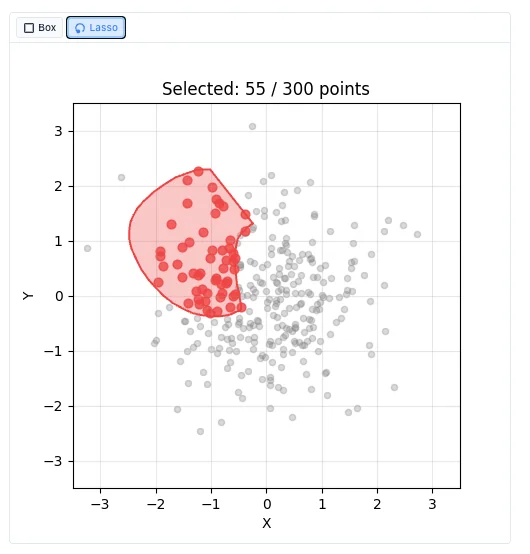
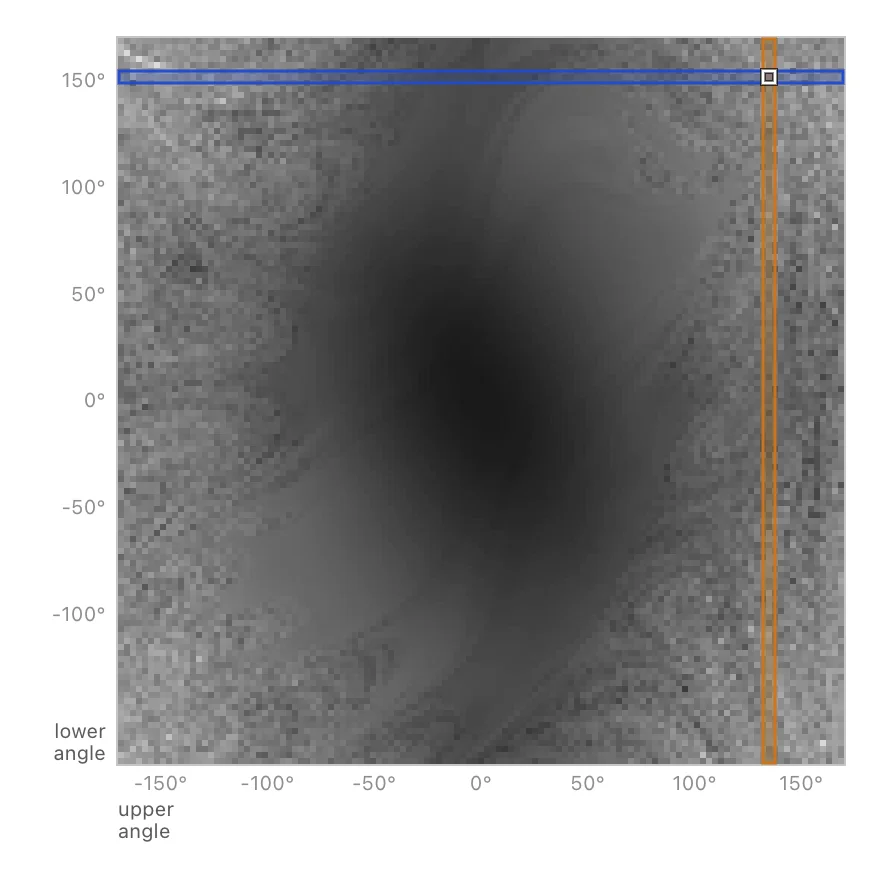
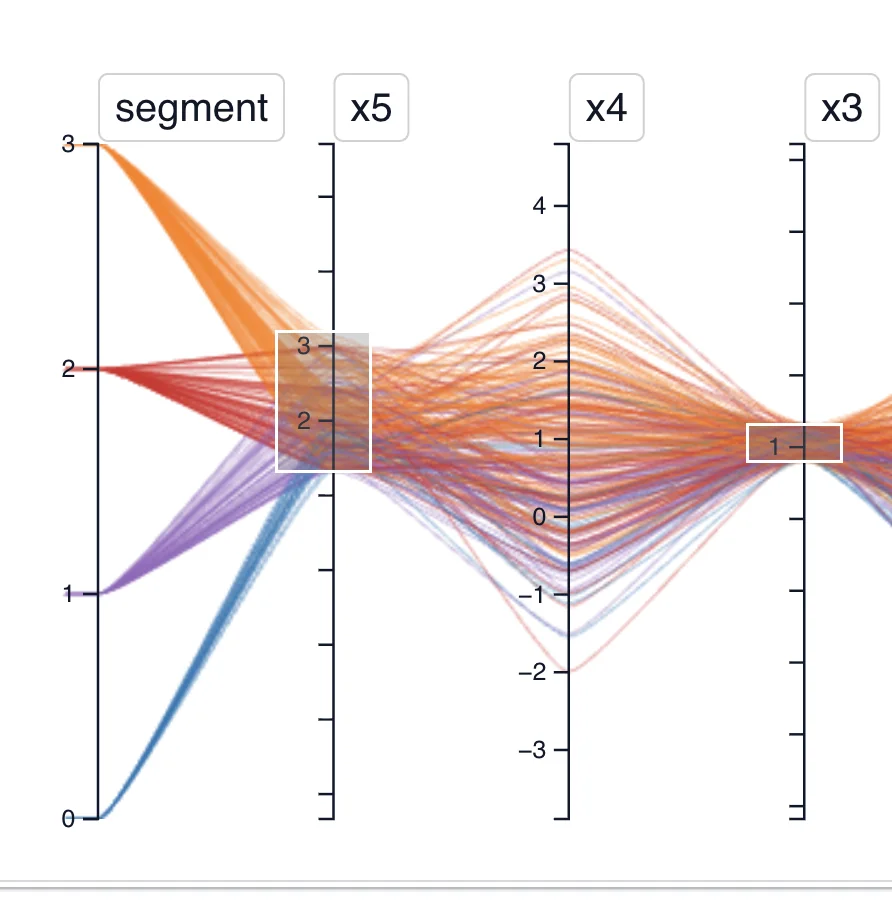
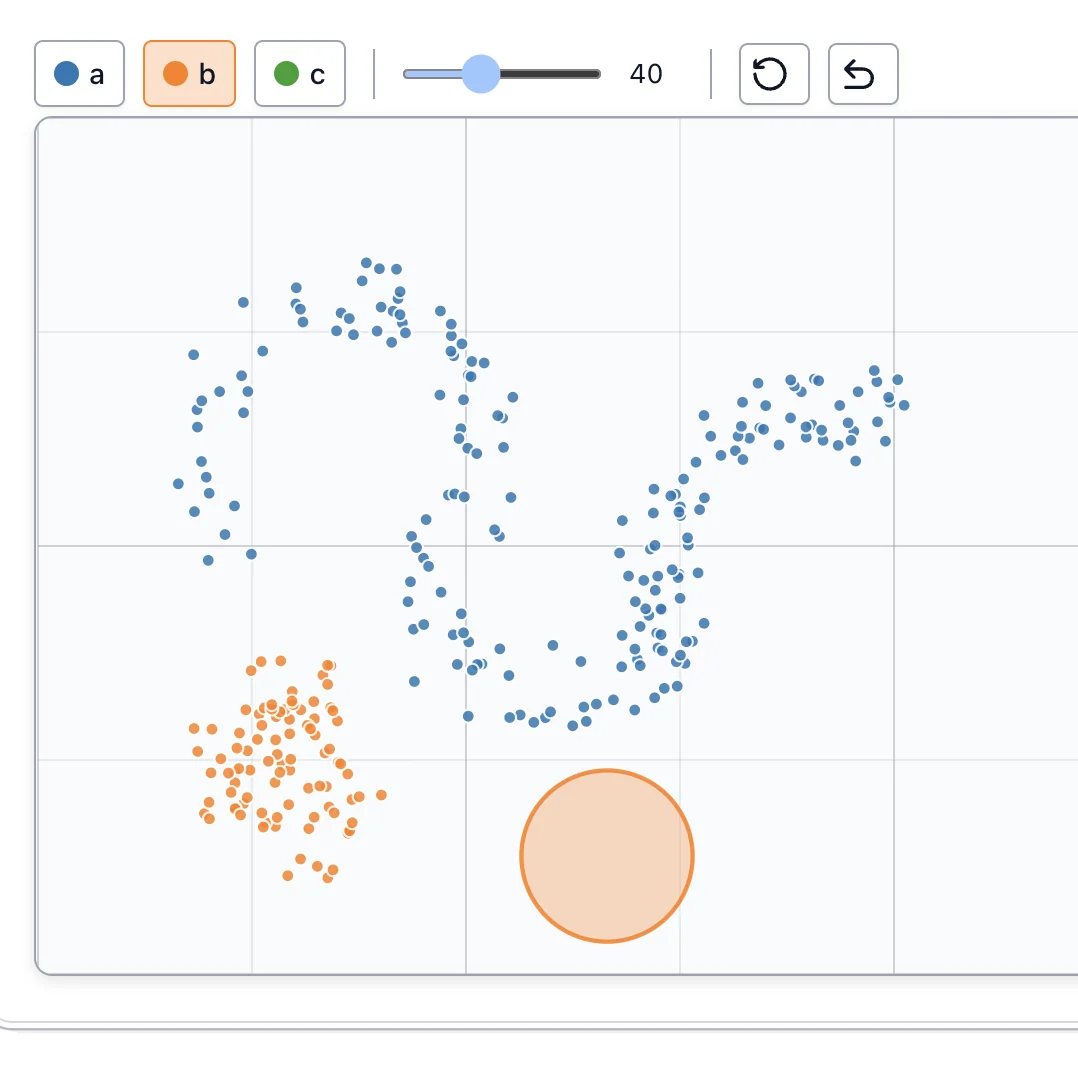
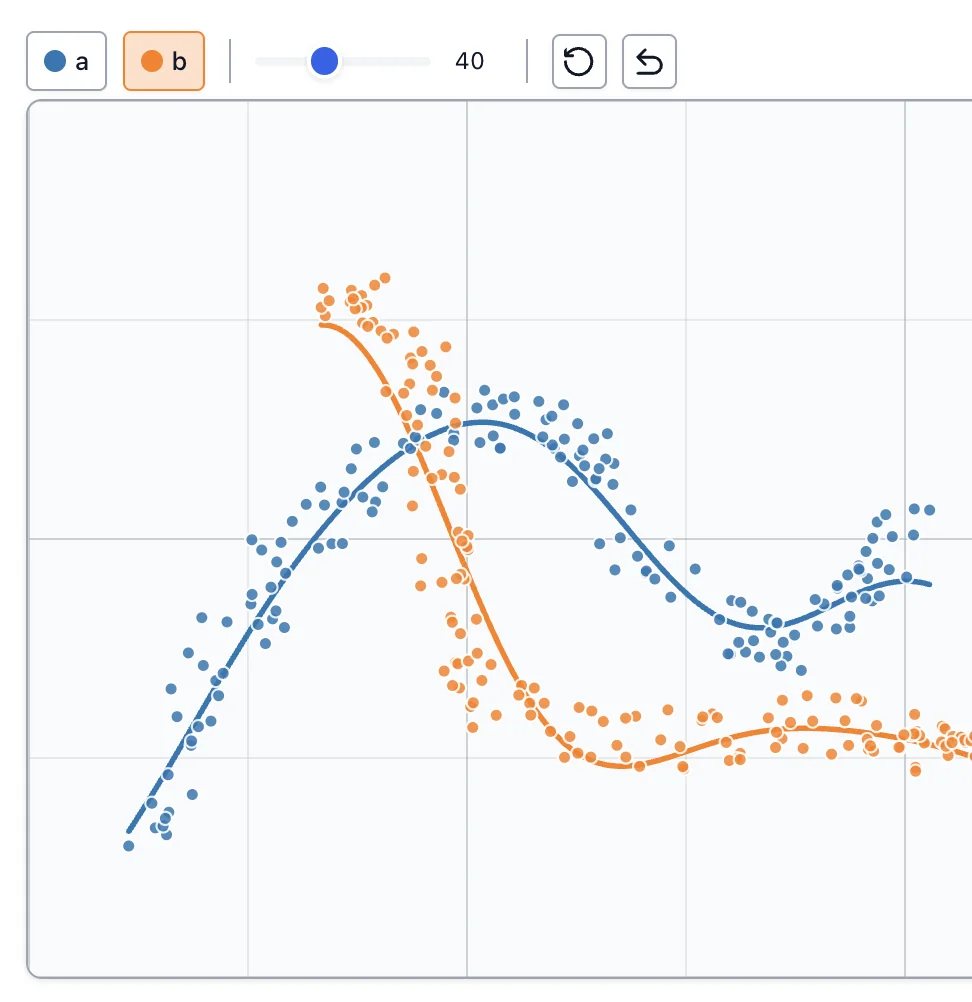
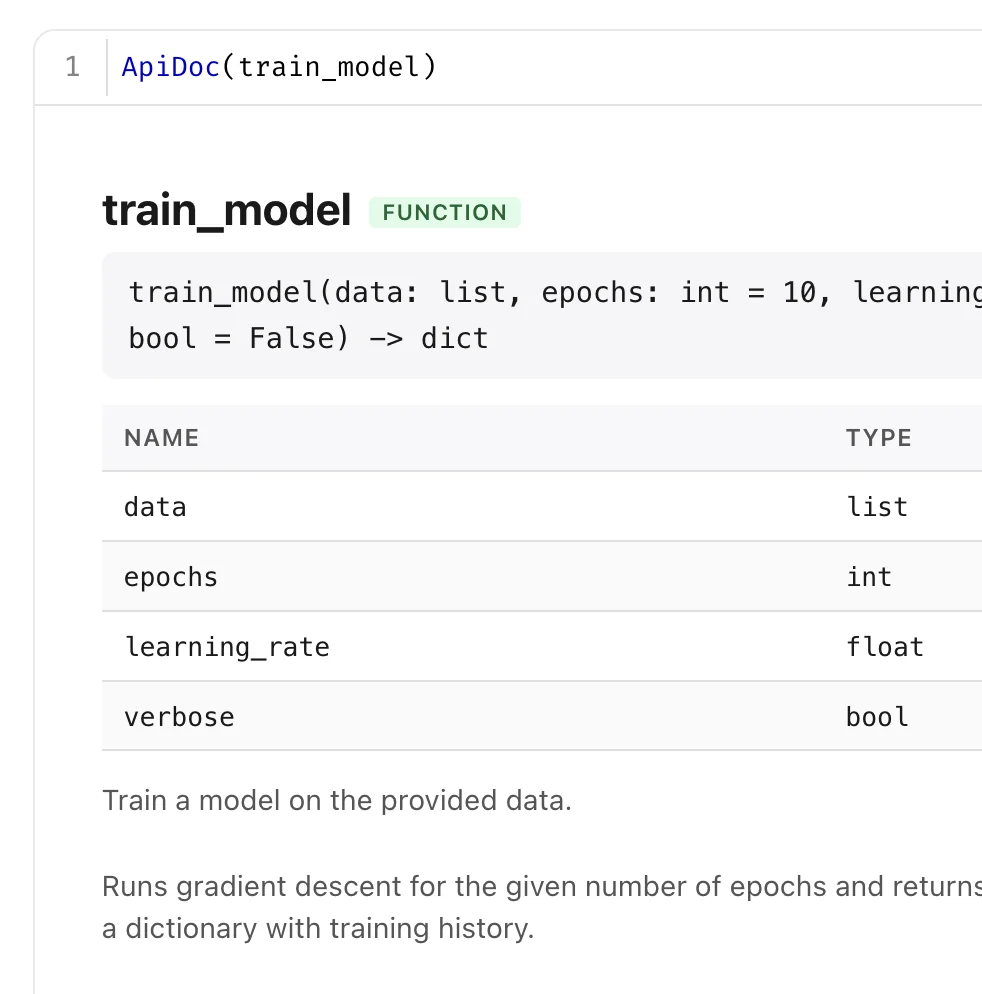
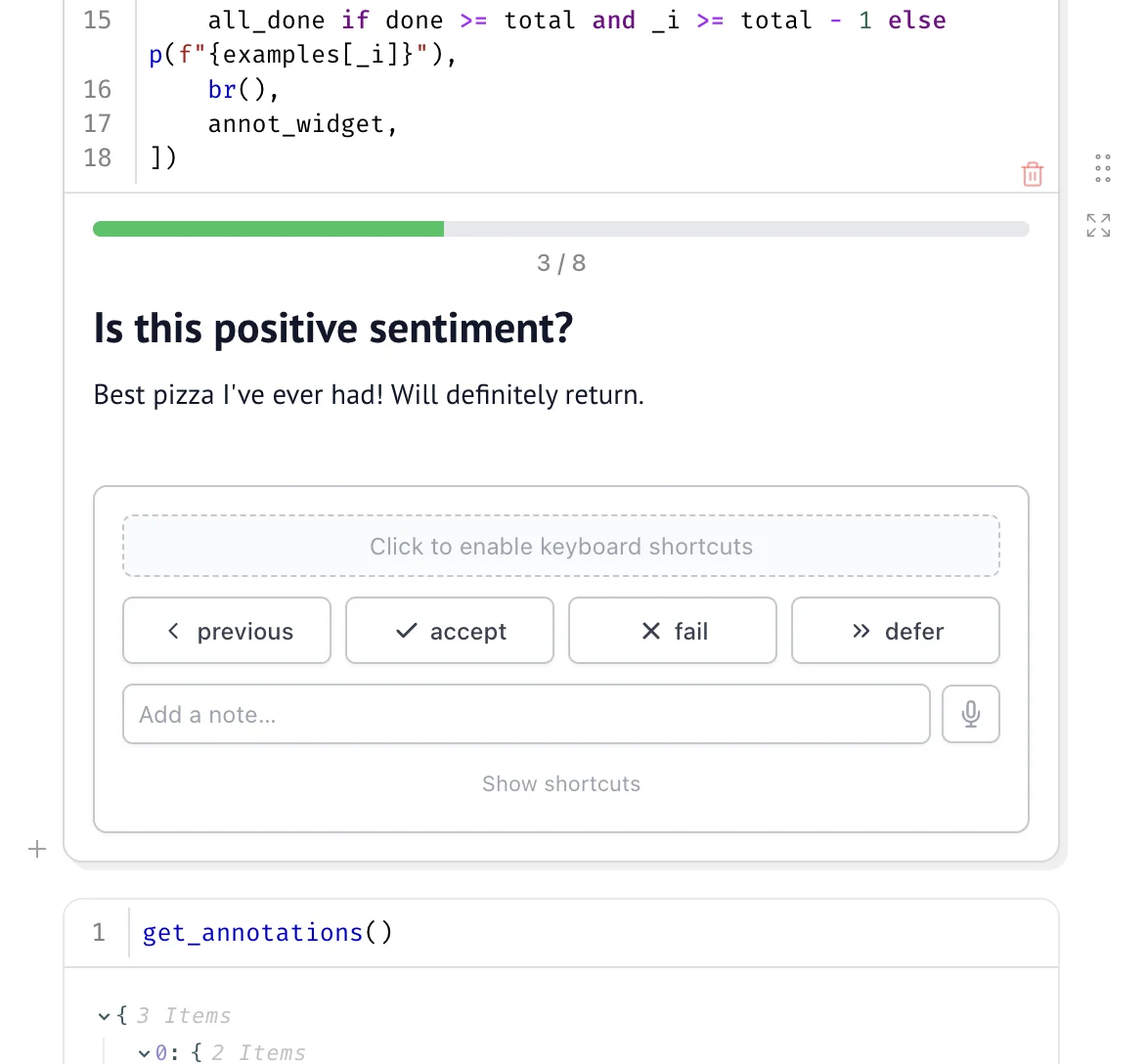
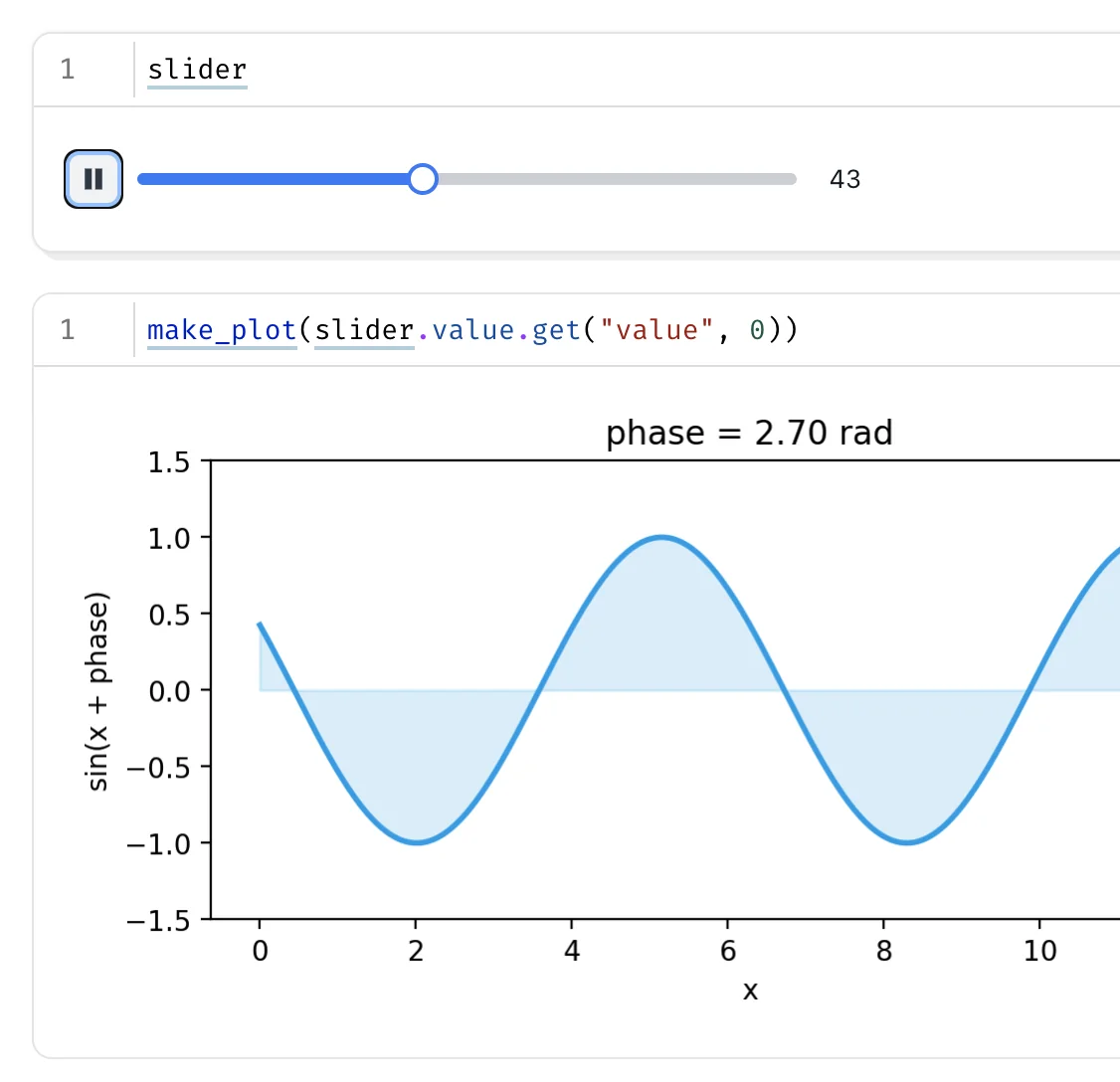
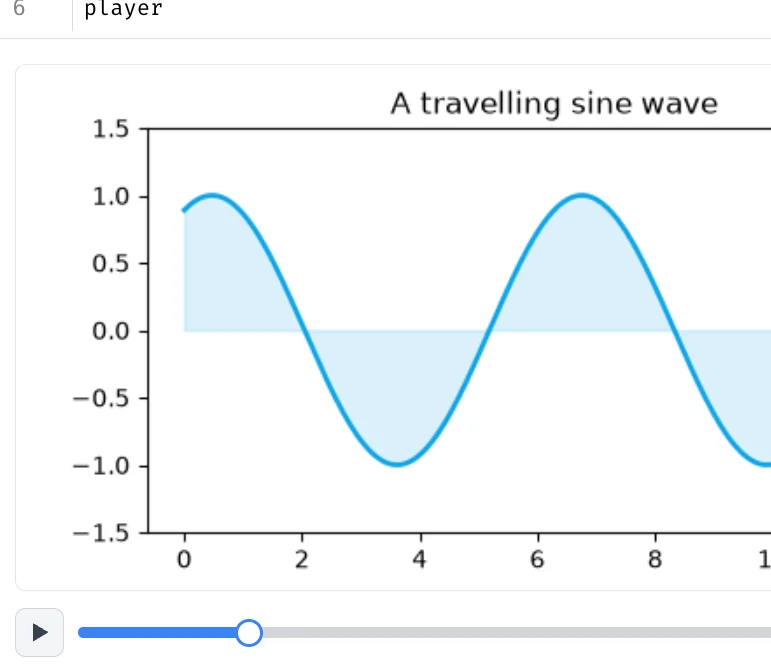
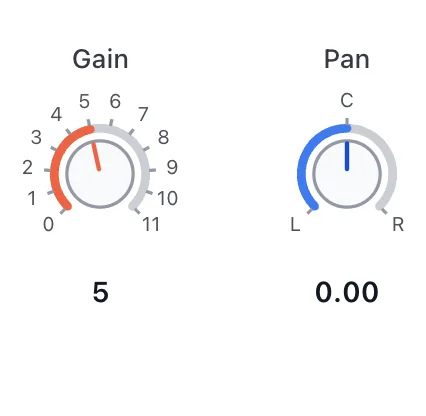
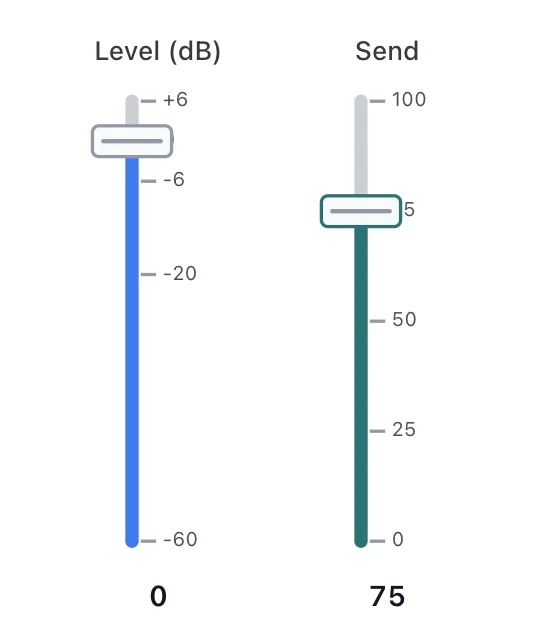
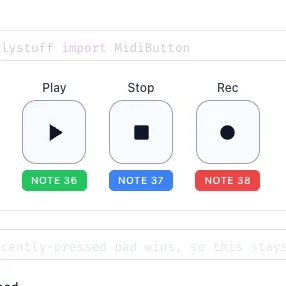
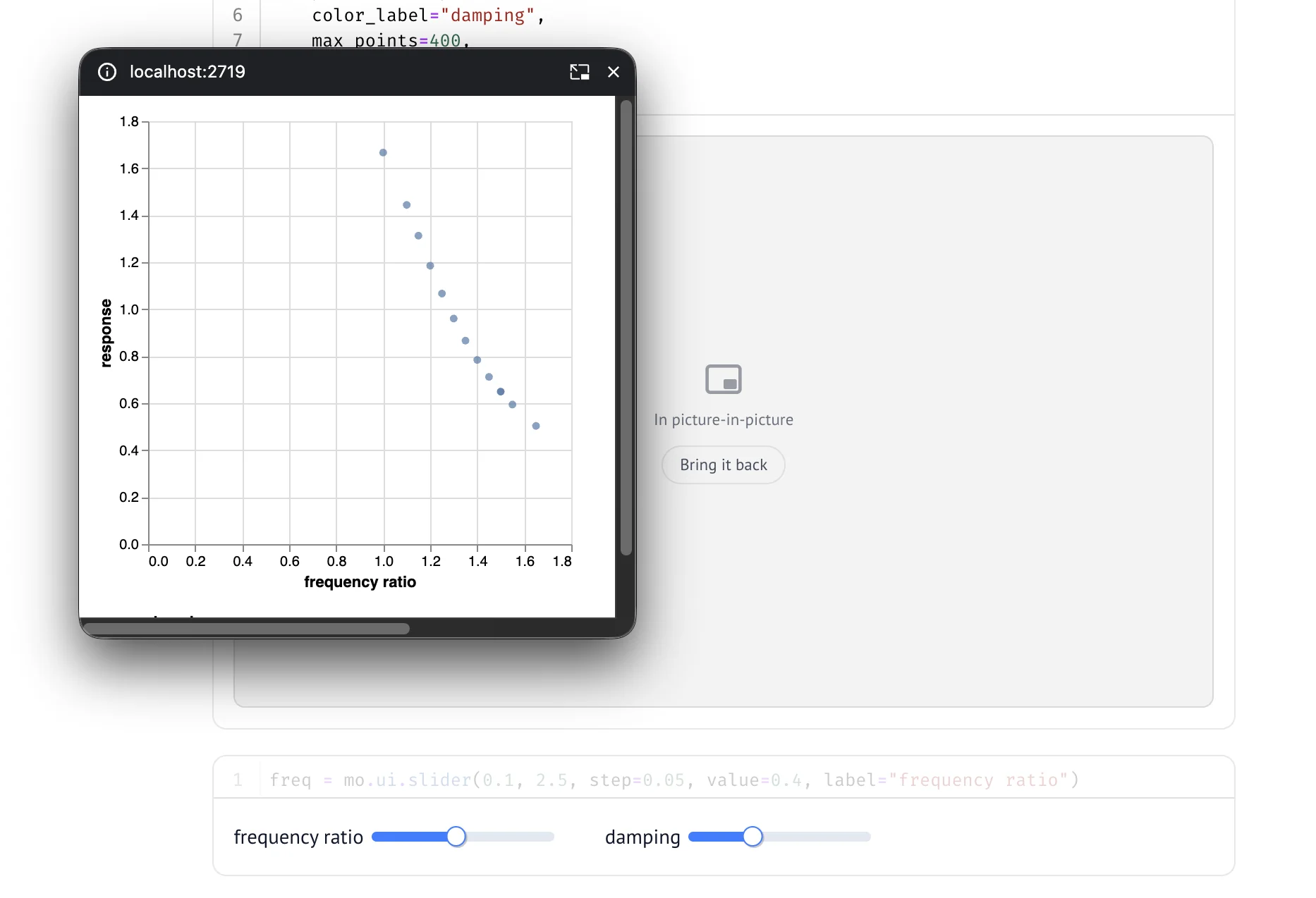
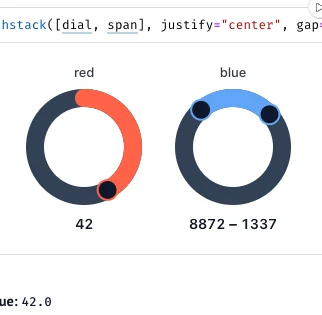
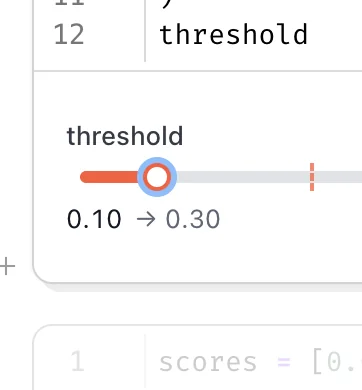
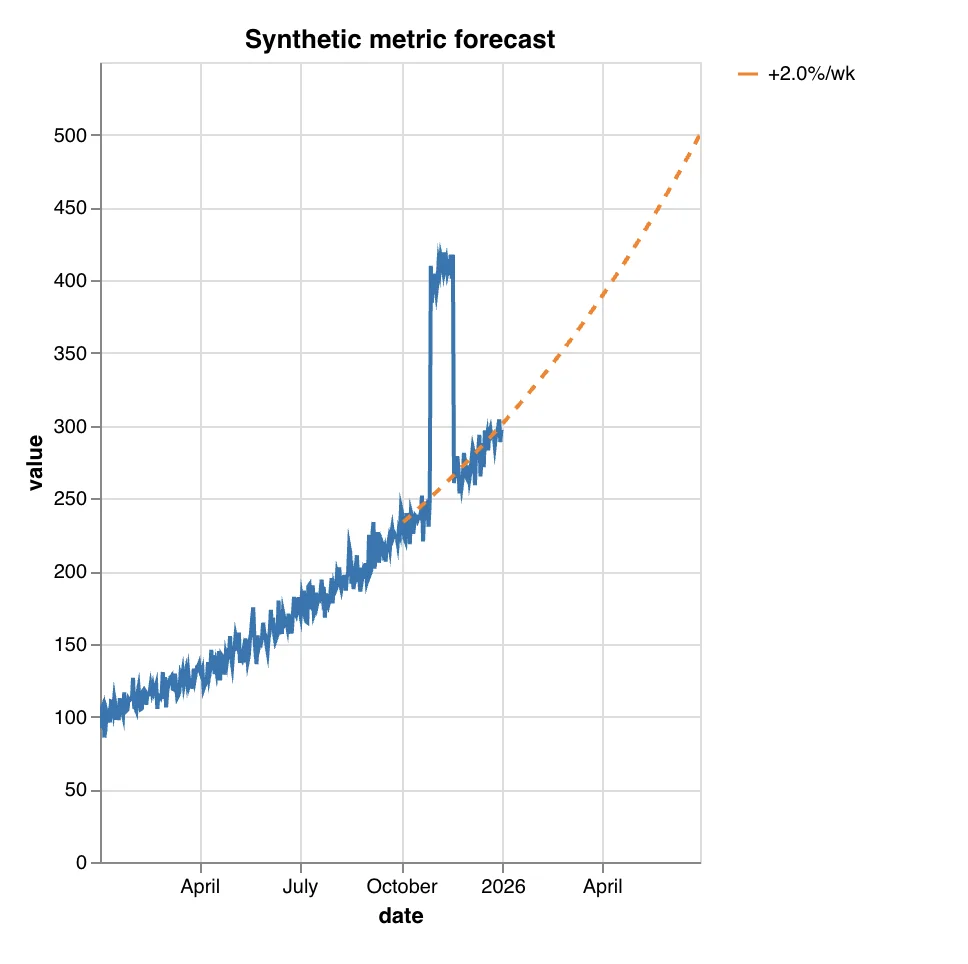
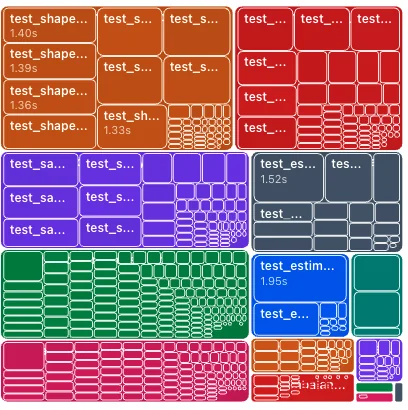
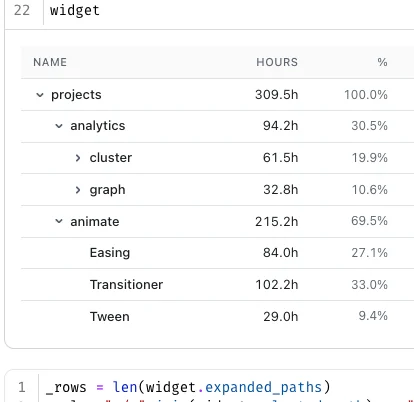
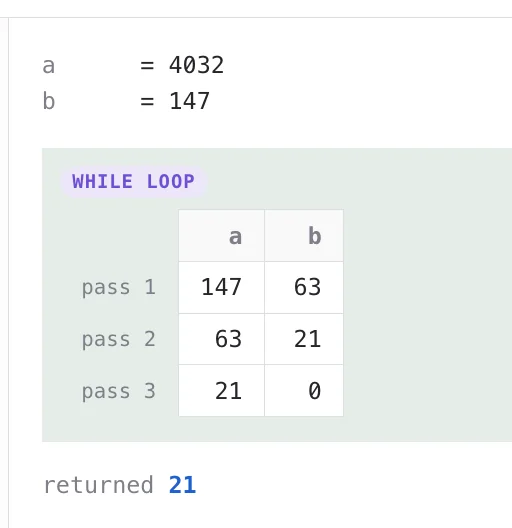
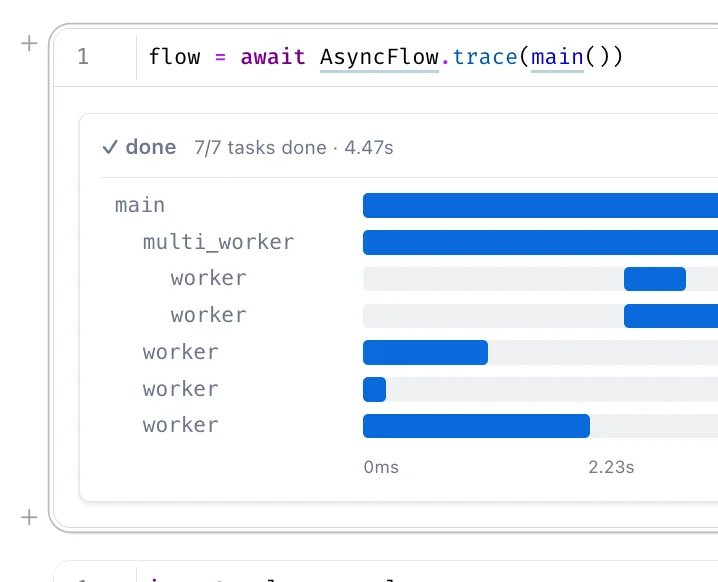
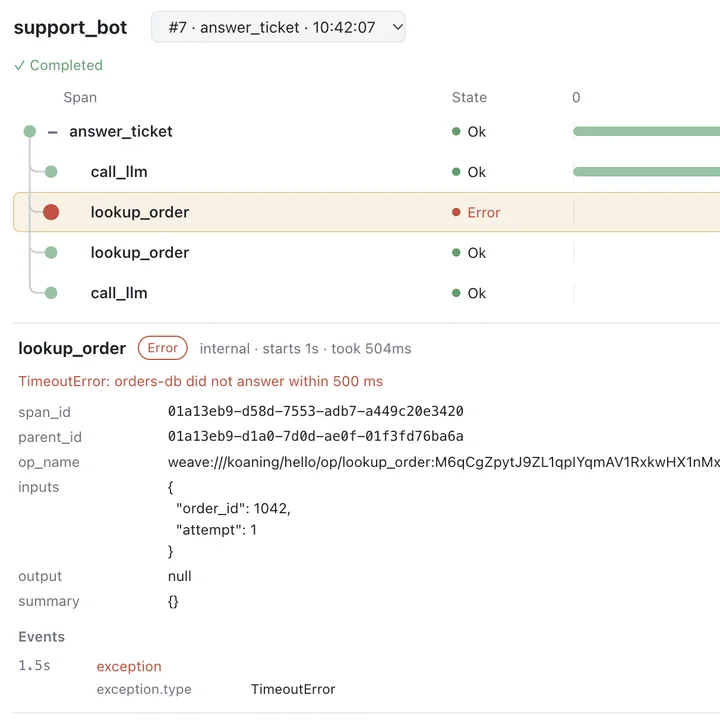
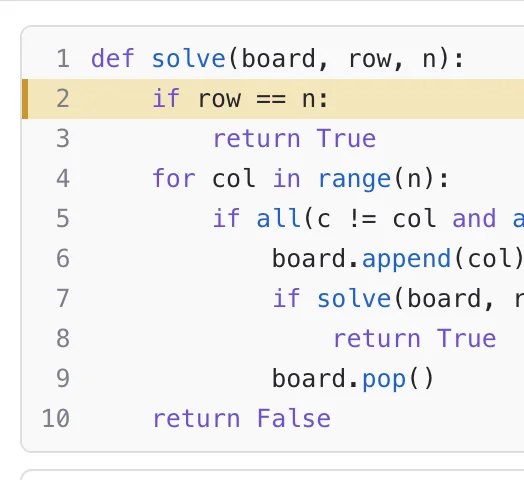
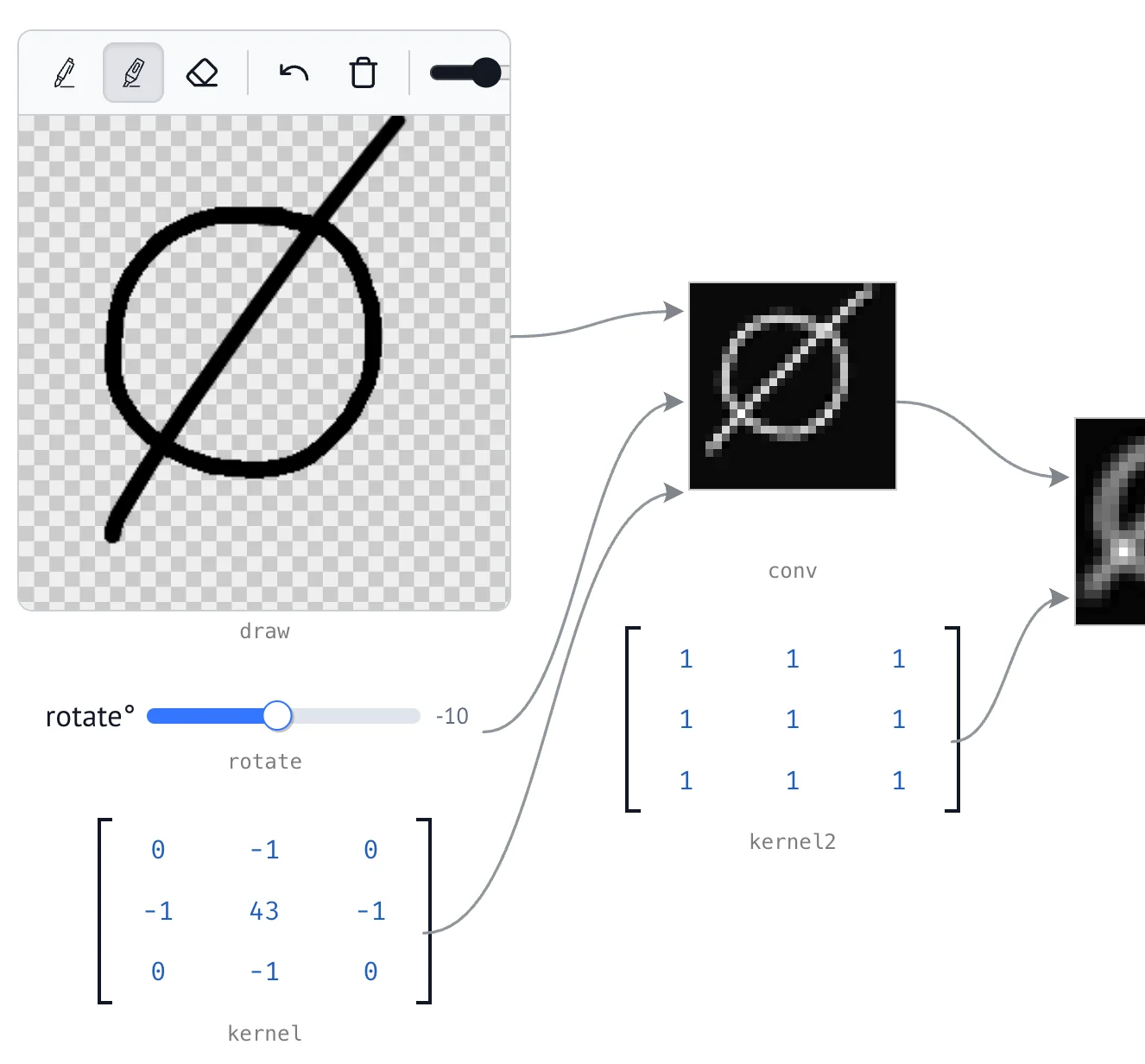
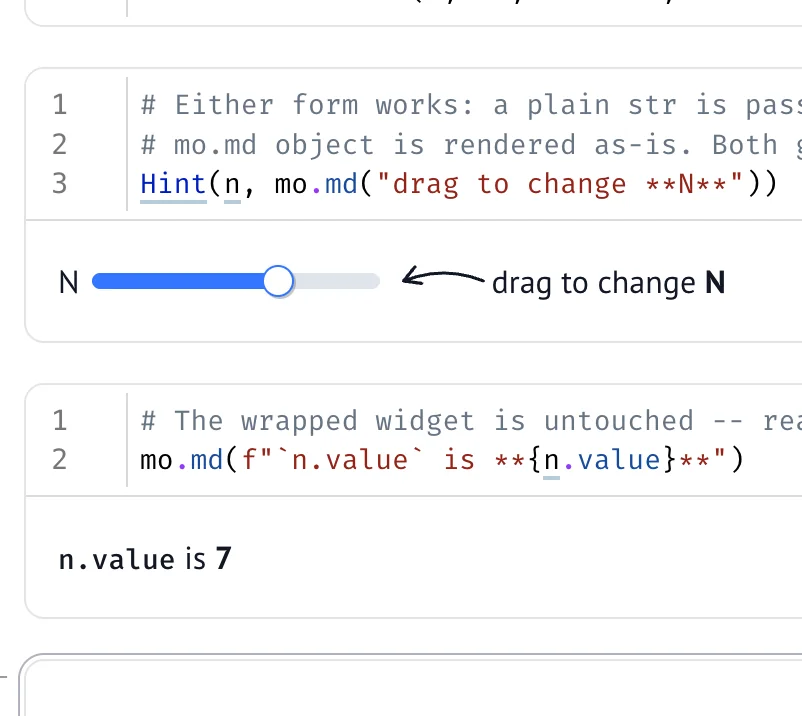
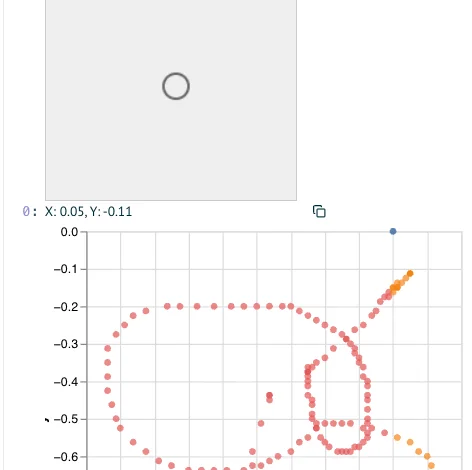
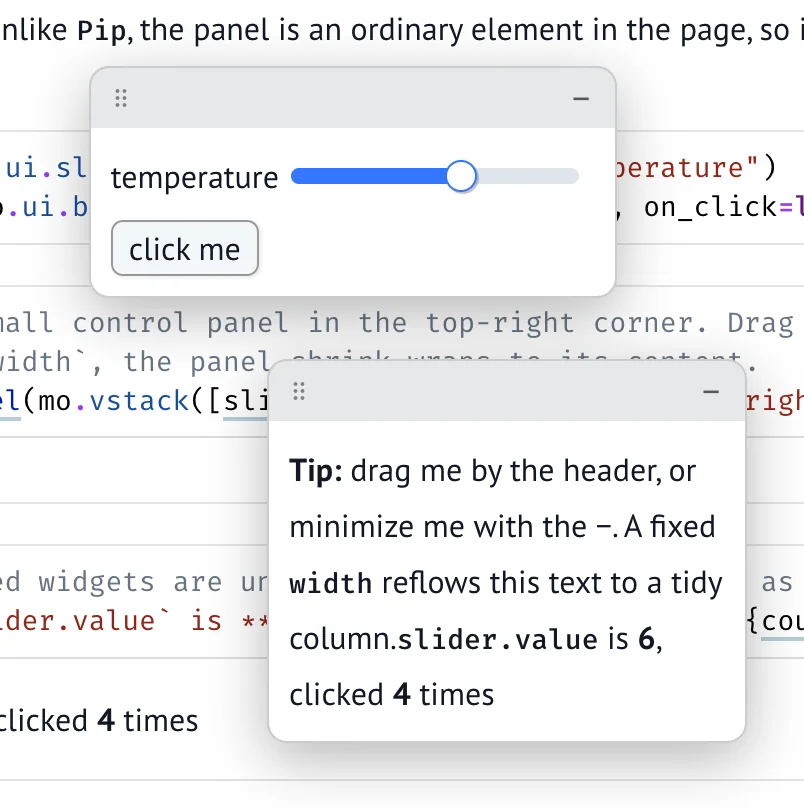
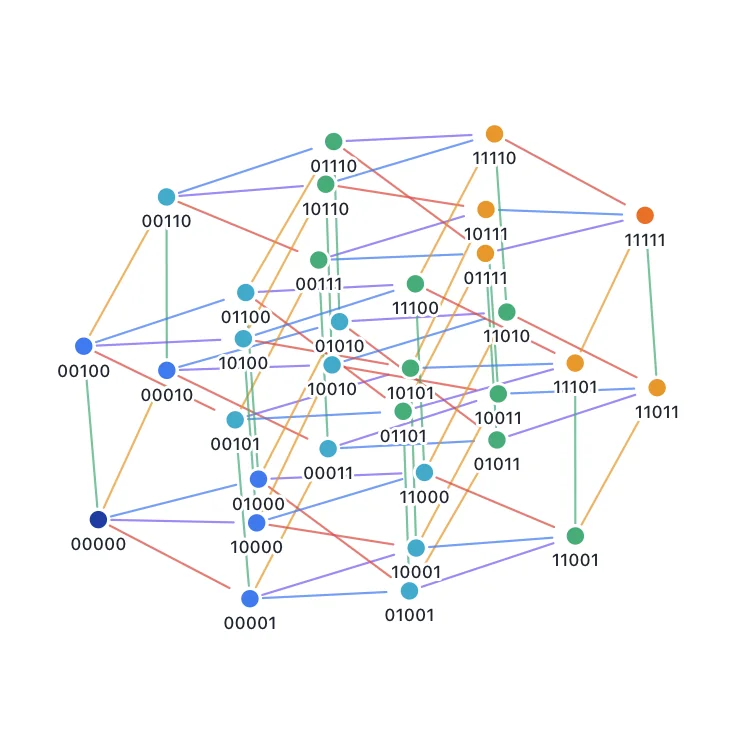
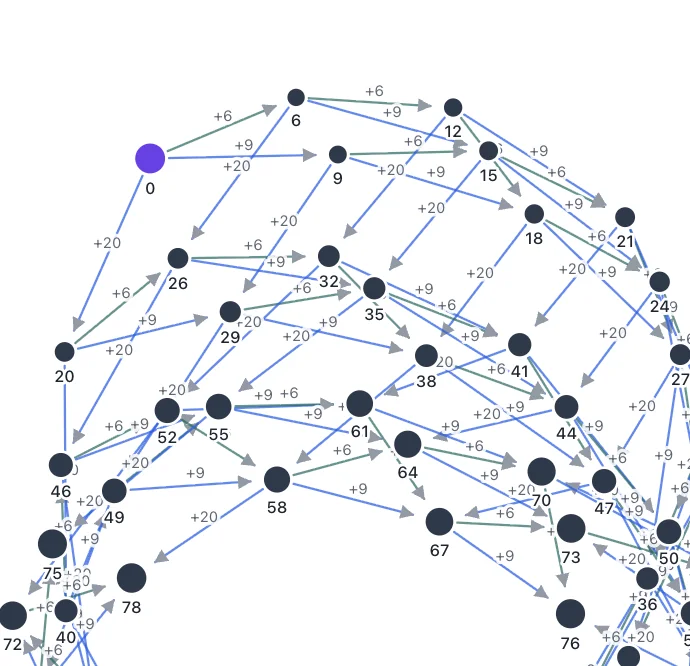
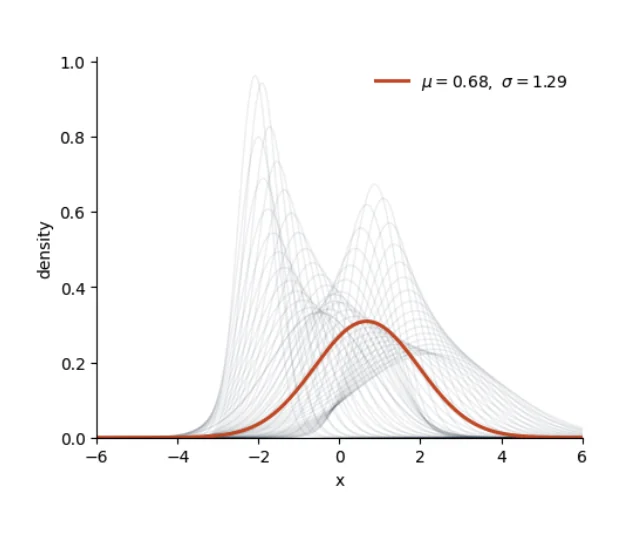
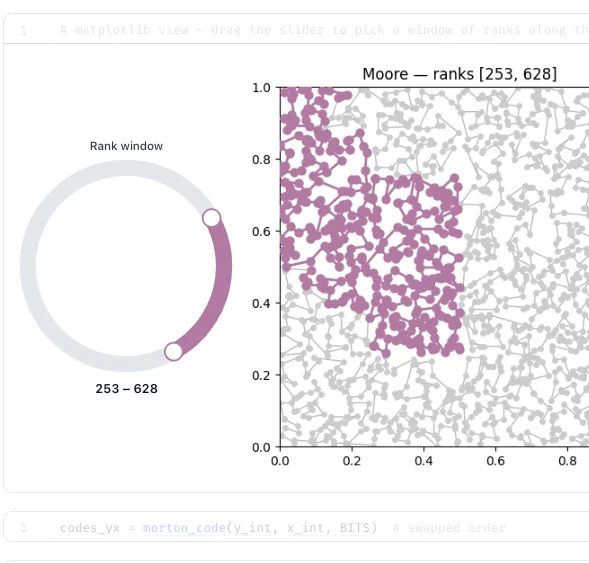
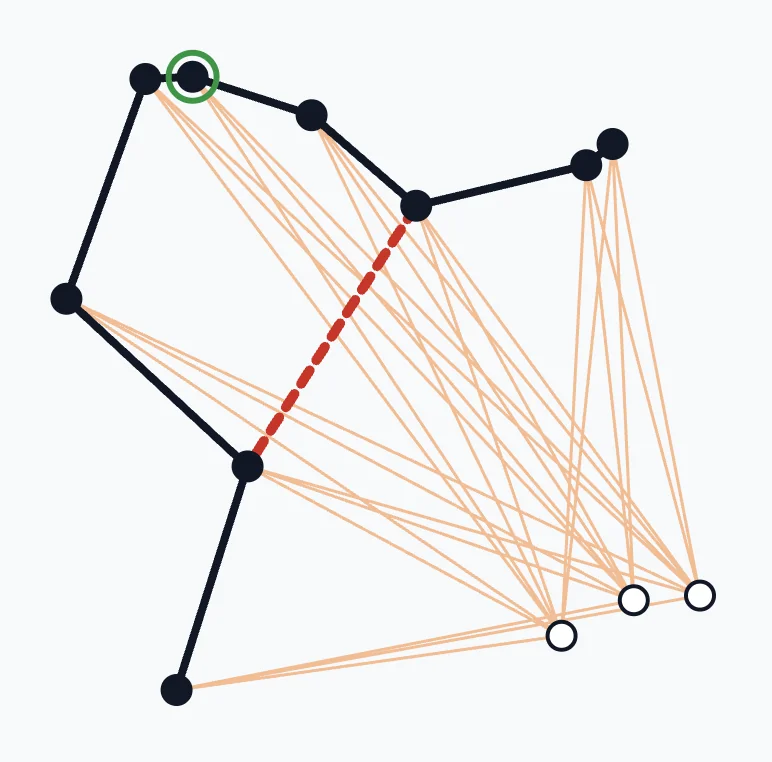
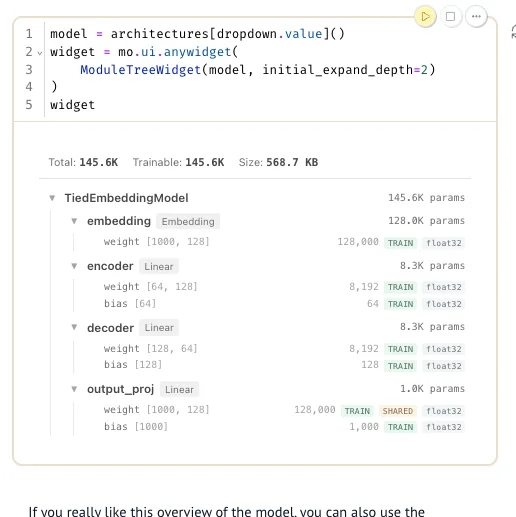
Each widget links to a live demo on molab where you can interact with and edit the notebook directly in your browser.
marimo-only widgets#
These are marimo-only display helpers — they render through marimo's mime protocol and reach into marimo's rendered DOM, so unlike the other widgets they don't run in plain Jupyter. They also appear in the gallery above.
3rd party widgets#
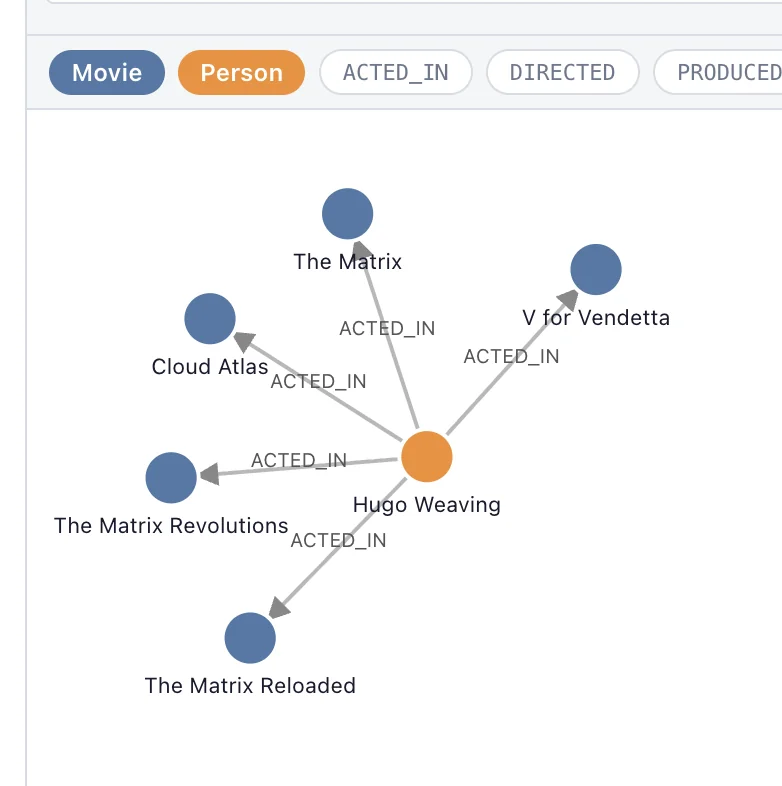
These widgets depend on 3rd party packages. They still ship with wigglystuff but have demos hosted on molab because many of the dependencies are not compatible with WASM.
Examples#
These notebooks show how to combine multiple widgets for more complex workflows.